

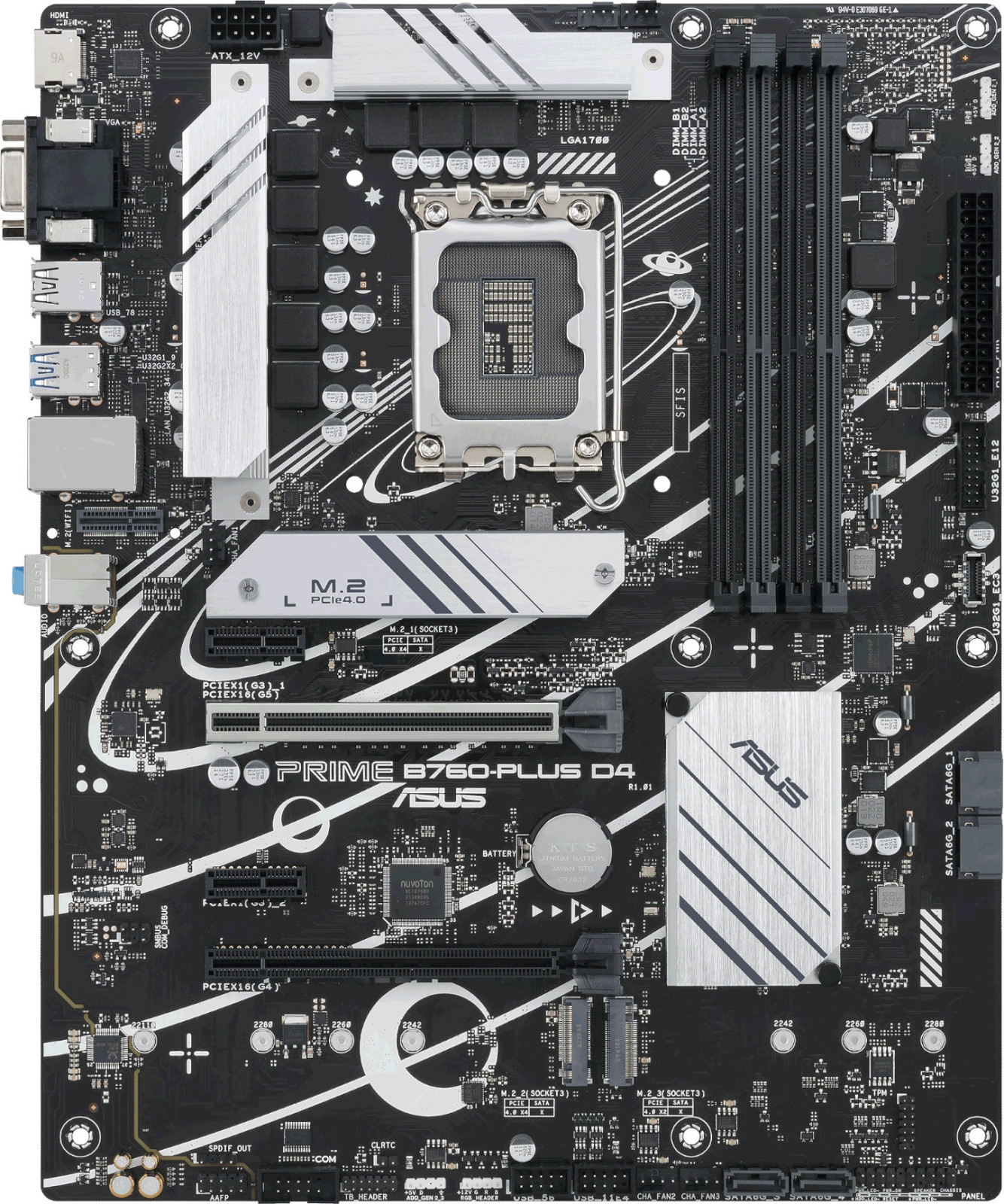
Asus
Prime B760-Plus D4
10.008TL

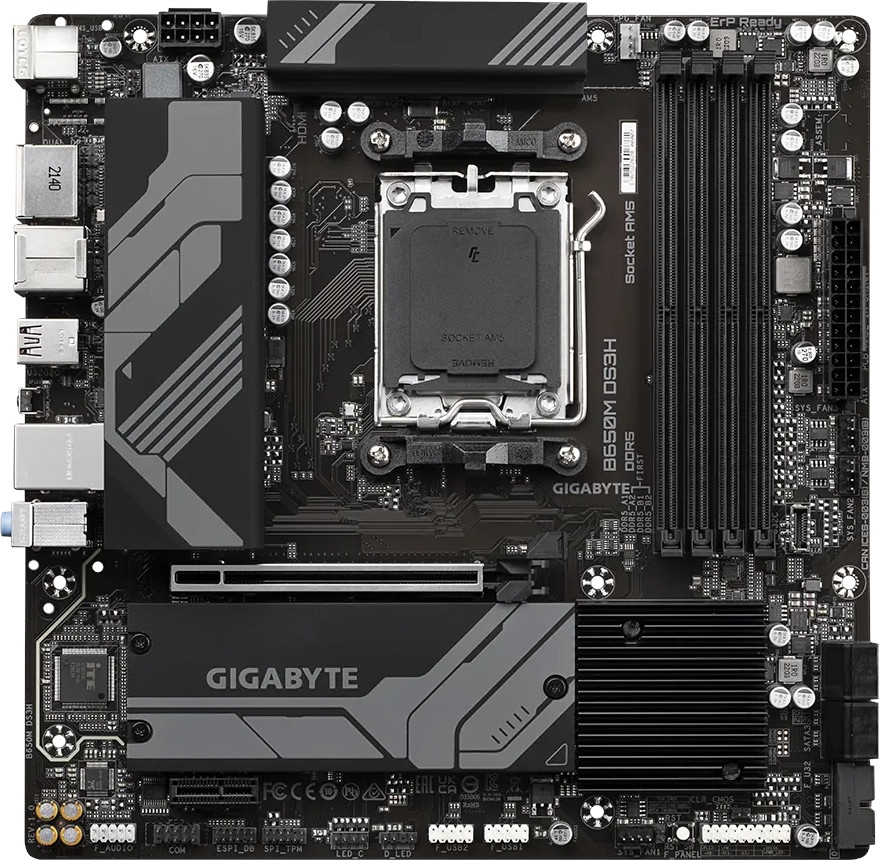
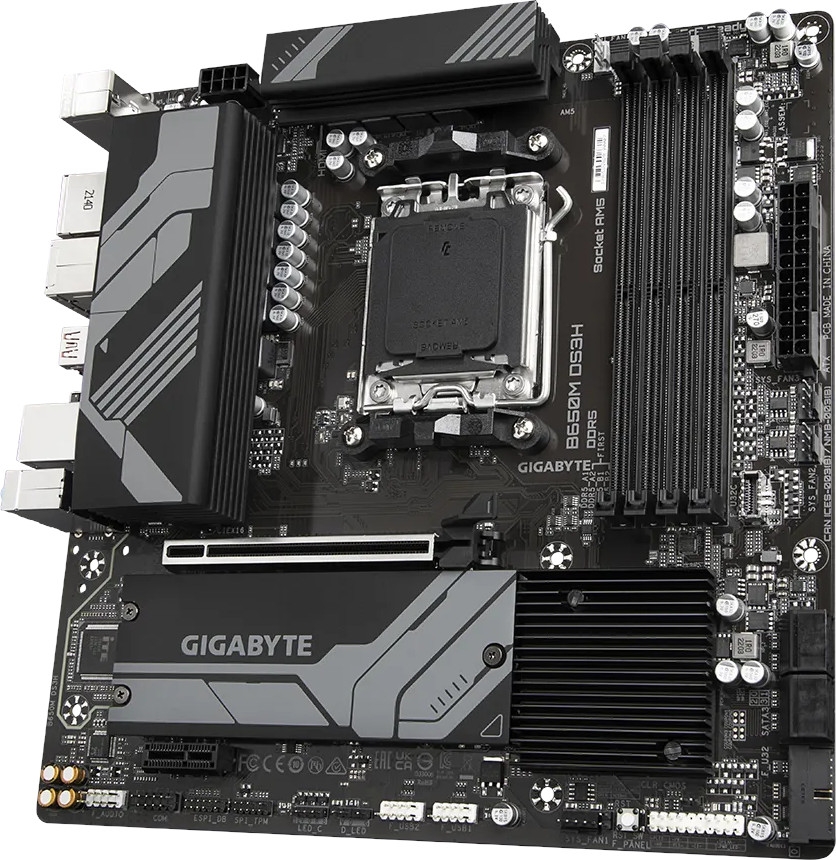
Model kodu: B650MDS3H · Anakart
AMD Socket AM5:Supports AMD Ryzen™ 7000 / Ryzen™ 8000 / Ryzen™ 9000 Series Processors
Unparalleled Performance:Direct 6+2+1 Phases Digital VRM Solution
Dual Channel DDR5:4*SMD DIMMs with AMD EXPO™ & Intel® XMP Memory Module Support
SuperSpeed Storage:2*PCIe 4.0 x4 M.2 Connectors
Advanced Thermal Design & M.2 Thermal Guard:To Ensure VRM Power Stability & 25110 M.2 SSD Performance
EZ-Latch:PCIe x16 Slot with Quick Release Design
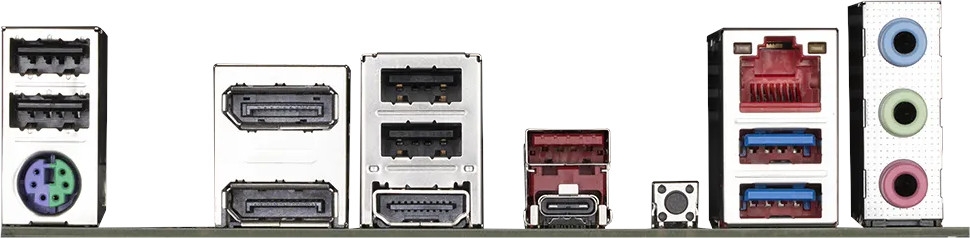
Extended Connectivity:2*DP, HDMI, 2*USB-C® 10Gb/s
Smart Fan 6:Features Multiple Temperature Sensors, Hybrid Fan Headers with FAN STOP
Q-Flash Plus:Update BIOS Without Installing the CPU, Memory and Graphics Card
1: Solid Pin CPU Power Connector
Direct 6+2+1 Digital VRM Design
*Power Stage maximum current capacity is based on VCORE Phase. 2*M.2 Ultra Storage Performance Connectors 2*PCIe 4.0 x4 M.2 with Enlarged Thermal Guards 4: Dual Channel SMD DDR5 Memory Socket AM5 Supports AMD Ryzen™ Series Processors Reset/RGB Switch/Direct to BIOS/Safe Mode 1*USB 3.2 Gen 2 Type-A + Type-C® 9: Front USB 3.2 Gen 2 Type-C® With the fast-moving technology changes, GIGABYTE always follows the latest trends and provides customers with advanced features and latest technologies. GIGABYTE motherboards are equipped with upgraded power solution, latest storage standards and outstanding connectivity to enable optimized performance for gaming. To ensure maximum Turbo Boost and overclocking performance of AMD's new generation CPU, GIGABYTE UD series motherboard equip the best VRM design ever built with the highest quality components. To unleash full potential of multi-cores CPU performance For CPU integrated GPU performance and memory control Provide stable power for CPU-connected PCIe lanes GIGABYTE B650 Motherboards are ready to work with the PCIe 4.0 devices which are expected to experience twice bandwidth than the current PCIe 3.0 devices. To reach the high speed and maintain good signal integrity, GIGABYTE R&D uses the low impedance PCB to provide the maximum performance. 1. PCIe 4.0 x16 slot with faster bandwidth and lower impedance. 2. M.2 PCIe 4.0 x4 slot with lower impedance. 3. PCIe 4.0 Ready Mid-Loss PCB. DDR5 EXPO & XMP Overclocking Up to 8000 and Beyond* AORUS is offering a tested and proven platform that the memory overclocking capability is able up to 8000 and beyond. All users need to do for achieving this extreme memory performance boost is to ensure that their DDR5 memory modules are AMD EXPO™/ Intel® XMP capable, the EXPO/XMP function is activated and enabled on their AORUS motherboard. How to Boost EXPO DDR5 Performance on AM5 Platform? *Memory overlocking and XMP profile support may vary depending on hardware configuration. Please see the complete validated memory support list. Product features may vary by model DDR4 voltage is managed by MB with wide range GIGABYTE Exclusive DDR5 Circuit Design • GIGABYTE exclusive circuit design unlocks Native DDR5 voltage control • Transforms Native DDR5 memory module to Overclocked DDR5 memory • Increases DDR5 memory overclocking performance and capability • Supports all PMIC vendors for maximum compatibility * Memory overclocking capabiblity will vary based on users' hardware configuration All memory routing is under the PCB inner layer shielded by a large ground layer to protect from external interference. Note: The picture is for reference and may vary by model. GIGABYTE AM5 MB supports both AMD EXPO™ and Intel® XMP overclocking memory modules for maximal compatibility. MB will automatically detect both profiles format in SPD, users can choose to enable one of profiles from BIOS menu and easily reach overclocked memory performance. Automatically Boost the Native DDR5 frequency to 5000MHz while the system is under heavy loading by a single click. AMD EXPO™ and Intel® XMP 3.0 User Profile • One empty SPD profile can be defined by users and carry to next computer • Quick memory performance simulation based on user input clock and timing parameters • Profile save and load function to share your memory parameters online SPD Re-defined or retrieve from database GIGABYTE Motherboards' unparalleled performance is guaranteed by innovative and optimized thermal design to ensure the best CPU, Chipset, SSD stability and low temperatures under full load application and gaming performance. Advanced thermal heatsinks to improve thermal efficiency with better airflow and heat exchange. The M.2 Thermal Guard prevents throttling and bottlenecks from high speed M.2 SSDs as it helps to dissipate heat before it becomes an issue. 2X copper PCBs design effectively lower the component temperature by its high thermal conductivity and low impedance. Smart Fan 6 contains several unique cooling features that ensure gaming PC maintain its performance while staying cool and quiet. Multiple fan headers can support PWM/DC fan and pump, and users can easily define each fan curve based on different temperature sensors across the board via intuitive user interface. Each fan headers support PWM and DC fan and Water Cooling Pump , and up to 24W (12V x 2A) with Over-Current Protection Multiple temperature/fan speed control points for precise fan curve Slope/Stair dual mode for different user scenario Fan can stop completely below users' specified temperature point We increase control points from 5 to 7 and larger fan speed graph for precise and easier fan curve control. Fan curve can be quickly switch with Slope and Stair modes for different user scenario. Slope is traditional and intuitive linear fan speed curve. With newly added Stair non-linear mode, fan keeps at same speed between specified temperature interval. For advanced users, we provide fan speed manual input for more precise control. Use can place 4 EZ Tuning points at rough temperature/fan speed, and Smart Fan 6 can quickly generate a fan curve. Fan curve profile can be saved in BIOS ROM, profile will be kept after updating BIOS. GIGABYTE Motherboards enable the ultimate connection experience with blazing data-transfer speeds through the next generation network, storage. First adopter on 2.5GbE LAN onboard Adoption of 2.5G LAN provide up to 2.5 GbE network connectivity, with at least 2 times faster transfer speeds compared to general 1GbE networking, perfectly designed for gamers with ultimate online gaming experience. Support Multi-Gig(10/100/1000/2500Mbps) RJ-45 Ethernet Connecting the Future - USB 3.2 Gen 2 Type-C® The USB 3.2 Gen 2 ports provide with speeds up to 10Gbps. With twice the bandwidth compared to its previous generation as well as backwards compatibility with USB 3.2 Gen 1 and USB 2.0, the much-improved USB 3.2 Gen 2 protocol is available over the new reversible USB Type-C™ and the traditional USB Type-A connector for better compatibility over a wider range of devices. GIGABYTE motherboards use high-end audio capacitors. These high quality capacitors help deliver high resolution and high fidelity audio to provide the most realistic sound effects for gamers. GIGABYTE motherboards feature an audio noise guard that essentially separates the board’s sensitive analog audio components from potential noise pollution at the PCB level. GIGABYTE motherboards bundle several useful and intuitive software to help users to control every aspect of motherboard and provide customizable lighting effect with outstanding aesthetics to fit your unique personality. Unified software platform for all Gigabyte supported products Intuitive user interface for an eased experience Modularized control components only for installed hardware Auto update function to keep system up to date and support future products RGB Switch Turn off all lighting effect on motherboard. Direct-To-BIOS Boot into BIOS menu directly without pressing any keyboard button. Safe Mode Boot into BIOS safe mode to change specific option without losing other BIOS settings. GIGABYTE Ultra Durable™ design provides product durability and high-quality manufacturing process. GIGABYTE motherboards use the best components and reinforce every slots to make each of them solid and durable. Unlock the latch of the PCIe slot easily when remove the graphics card in the PCIe slot. Update the BIOS easily without installing the CPU, memory and graphics card. With GIGABYTE Q-Flash Plus, you don't need to install the CPU, memory and graphics card nor enter the BIOS menu to flash the BIOS. Just download and save a new BIOS file (rename to gigabyte.bin) on the USB flash drive, then press the dedicated Q-Flash Plus button and you’re good to go! Plug 24pin & 8pin power supply cable on motherboard Download motherboard BIOS file and rename to "gigabyte.bin", save to USB flashdrive, and plug USB flashdrive into Q-Flash USB port Press Q-Flash Plus button, and motherboard will start updating BIOS automatically. * Product specifications and product appearance may differ from country to country. We recommend that you check with your local dealers for the specifications and appearance of the products available in your country. Colors of products may not be perfectly accurate due to variations caused by photographic variables and monitor settings so it may vary from images shown on this site. Although we endeavor to present the most accurate and comprehensive information at the time of publication, we reserve the right to make changes without prior notice.
* Burada sağlanan tüm materyaller yalnızca referans içindir. GIGABYTE ürün teknik özelliklerinde ve ürün ile ilgili bilgilerde haber vermeden önce değişiklik yapma hakkını saklı tutar.
* Belirtilen performans, ara yüz özelliklerini belirleyen yonga seti üreticilerinden veya kurumlarından alınan maksimum teorik ara yüz değerlerine dayanır. Gerçek performans sistem üzerinde kullanılan bileşenlere göre değişkenlik gösterebilir.
* Tüm ticari markalar ve logolar, kendi sahiplerinin mülkiyetindedir.
* Standart PC mimarisi sınırlamaları nedeniyle, bellek miktarının bir kısmı sistem kullanımı için ayrılır ve gerçek bellek boyutu olması gerekenden daha az gösterilir.
Metin ve görseller üreticinin sitesinden birebir · Gigabyte'daki ürün sayfası: https://www.gigabyte.com/tr/Motherboard/B650M-DS3H-rev-10-11-12
Gigabyte B650M DS3H için bugün listelenen en düşük fiyat 10.654 TL, en ucuz satıcı PTT AVM.
Kayıtlarımızdaki en düşük fiyat 10.654 TL (07.11.2026). Bugünkü fiyat bu en düşük seviyede.
Fiyatıyla (10.654 TL) kategorideki 797 fiyatlı modelin %56'sından daha pahalı. Gigabyte markasının bu kategorideki fiyatlı 173 modeli arasında en ucuz 87. model; kategorideki fiyatlı modellerin %22'si bu markanın.
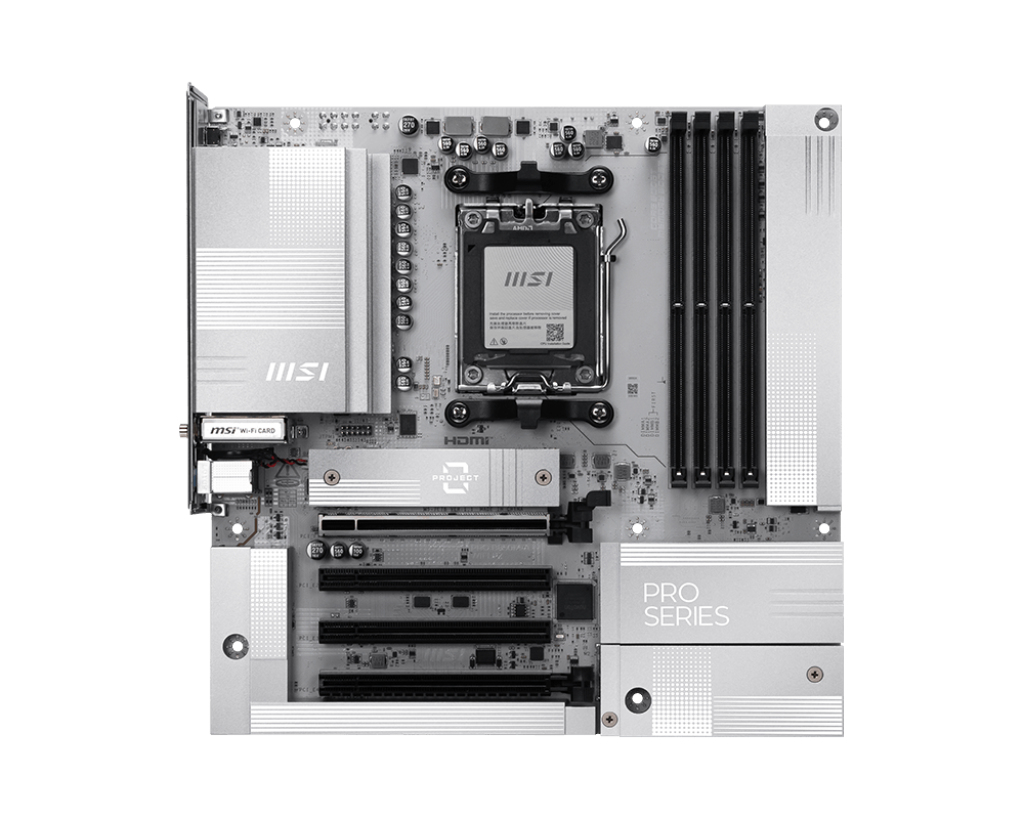
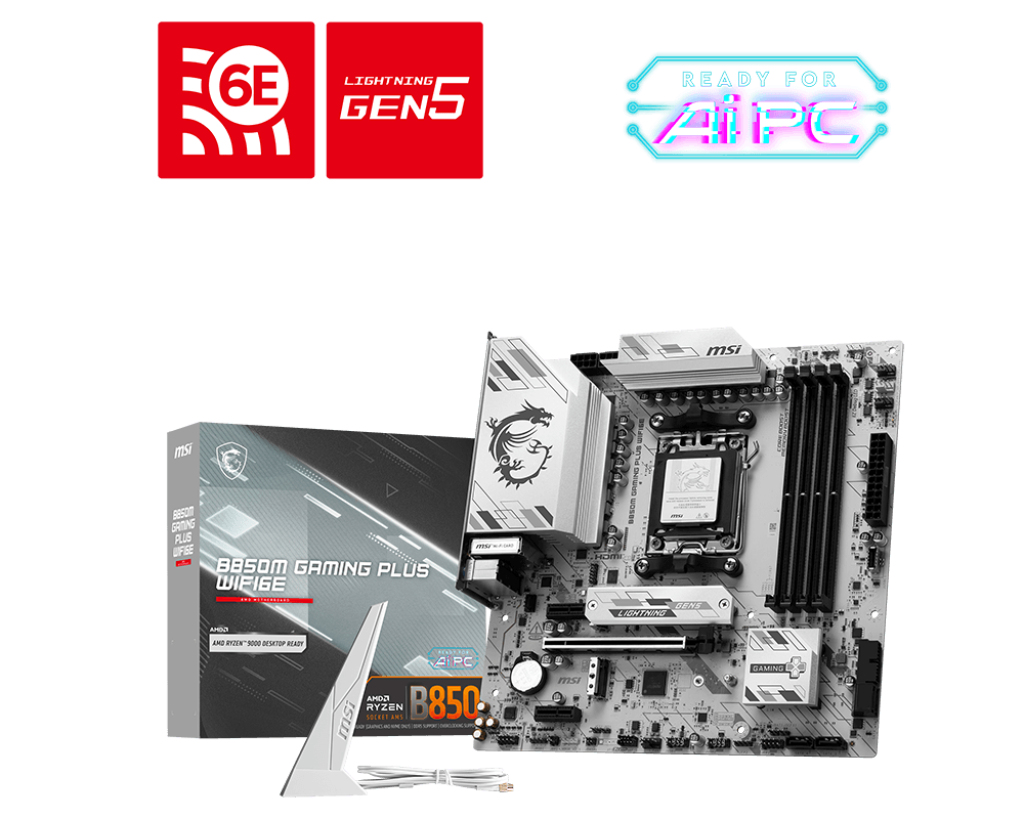
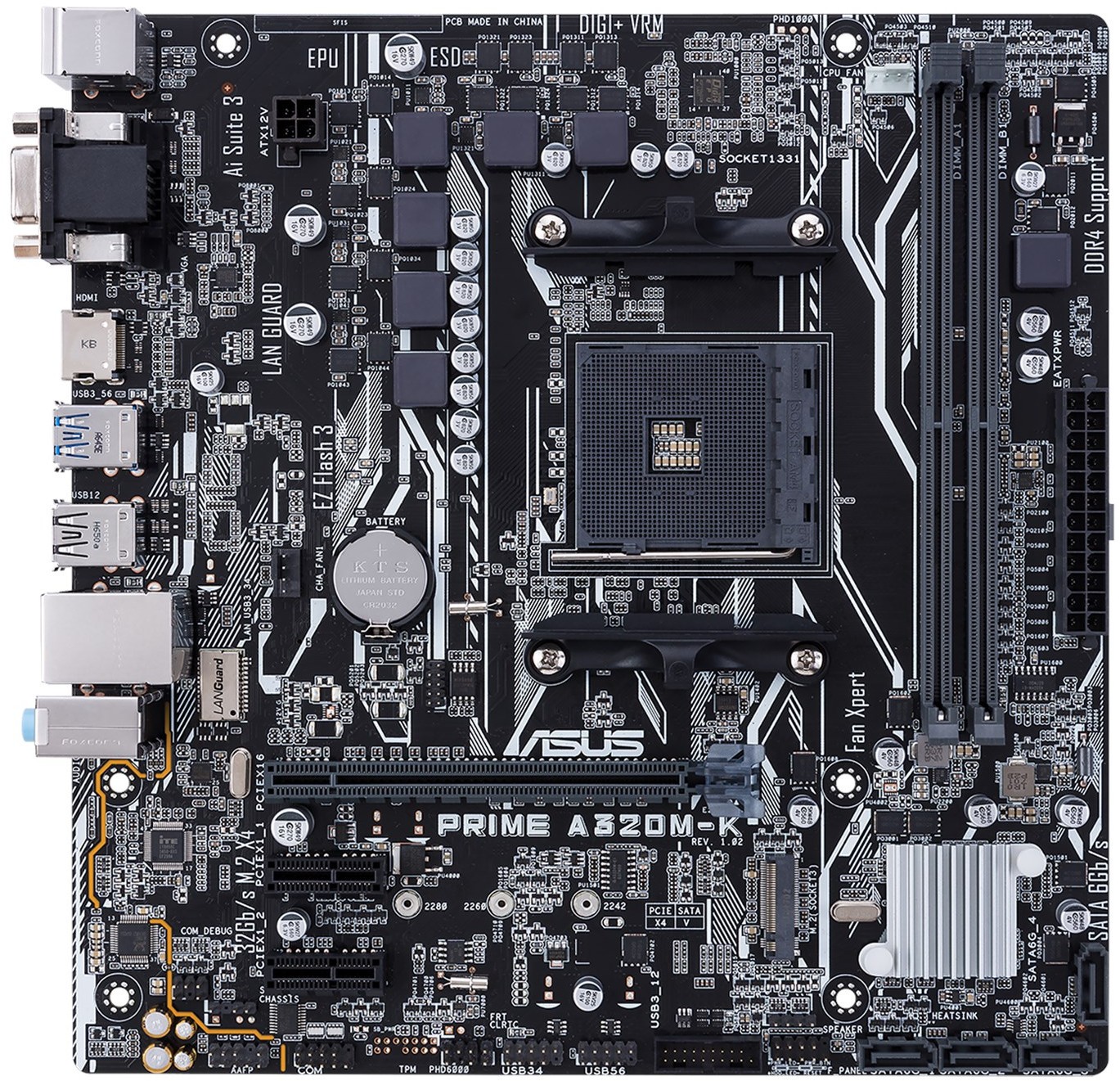
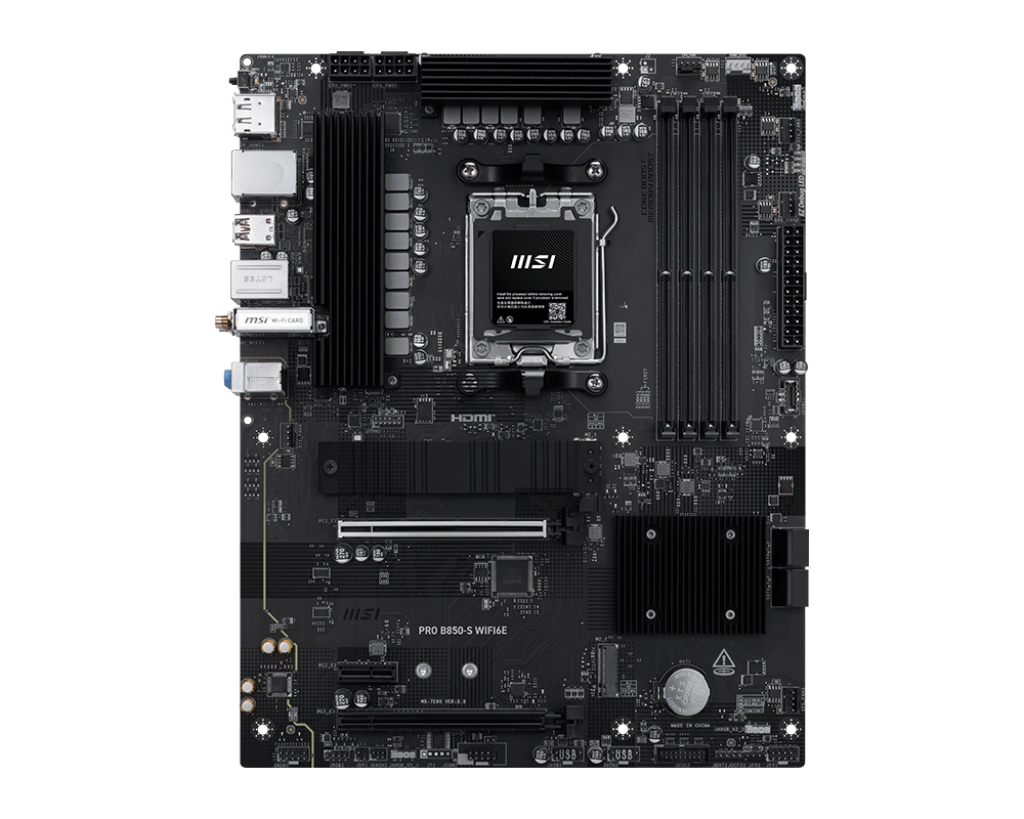
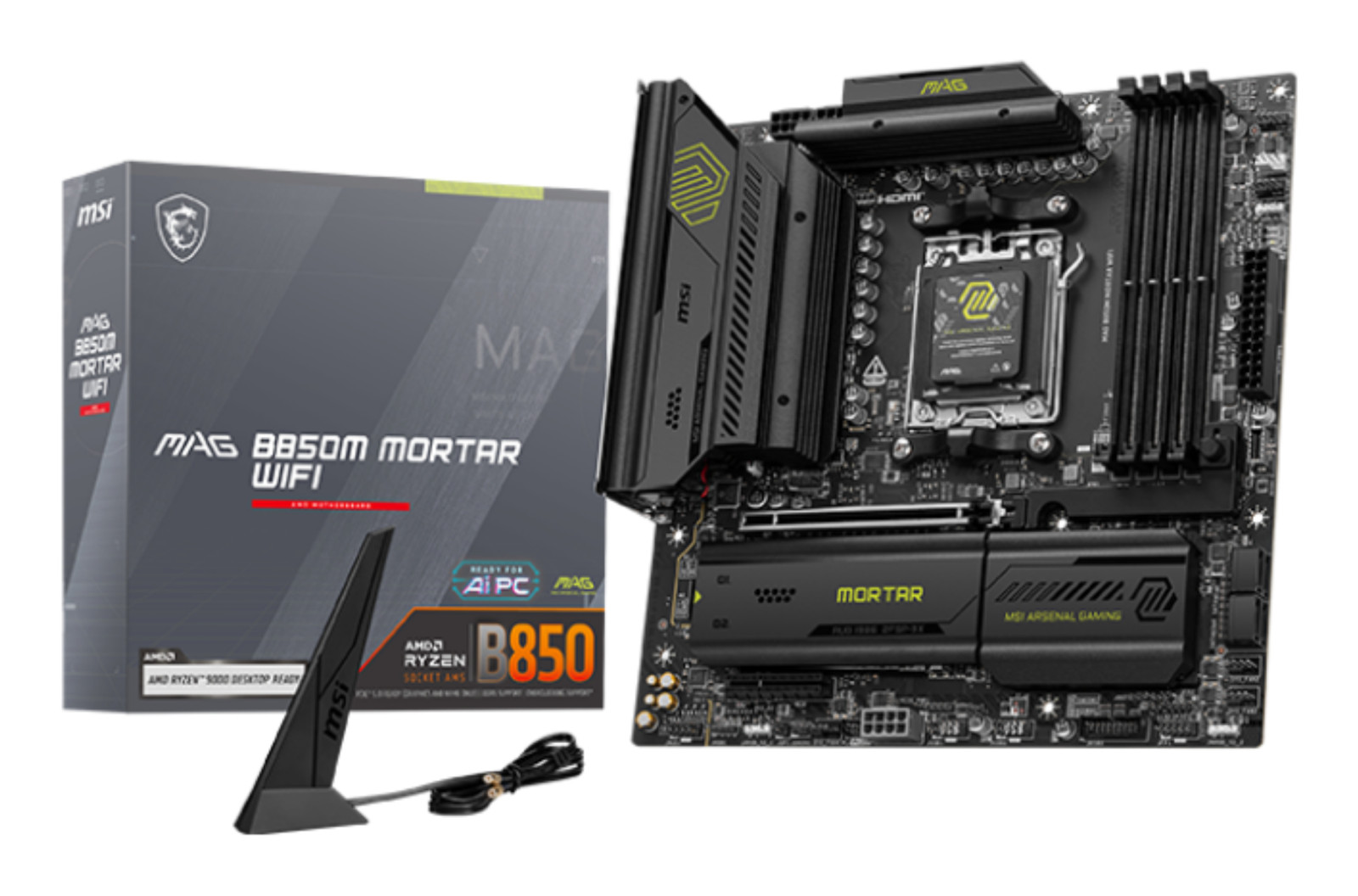
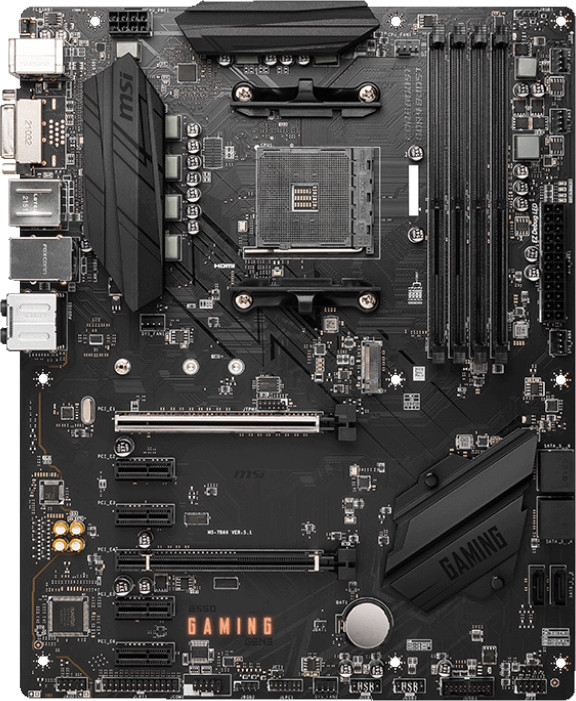
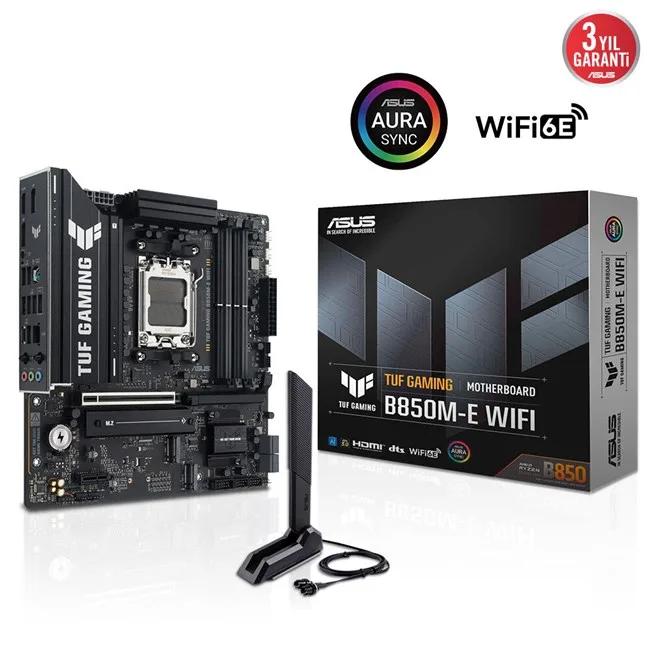
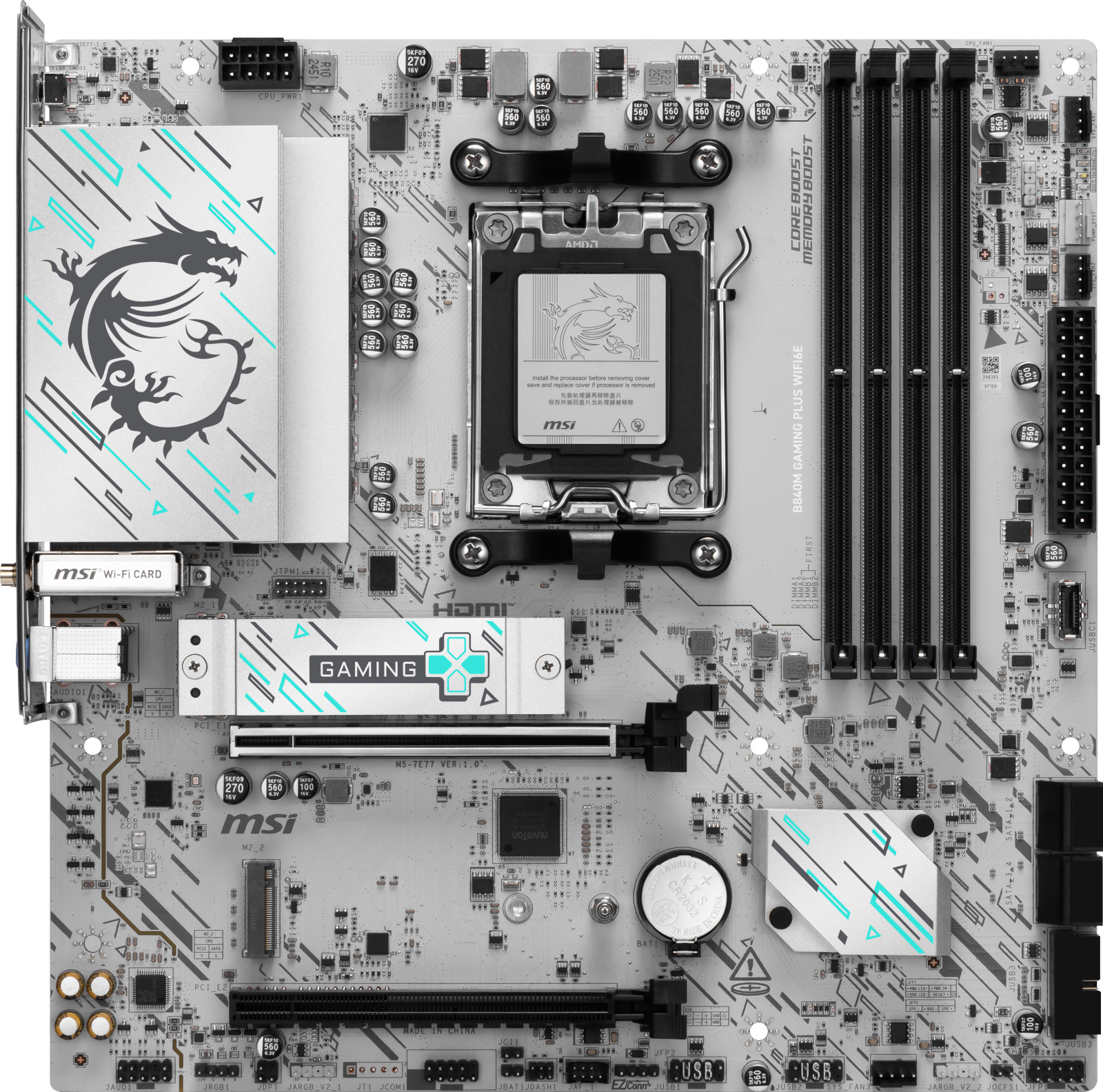
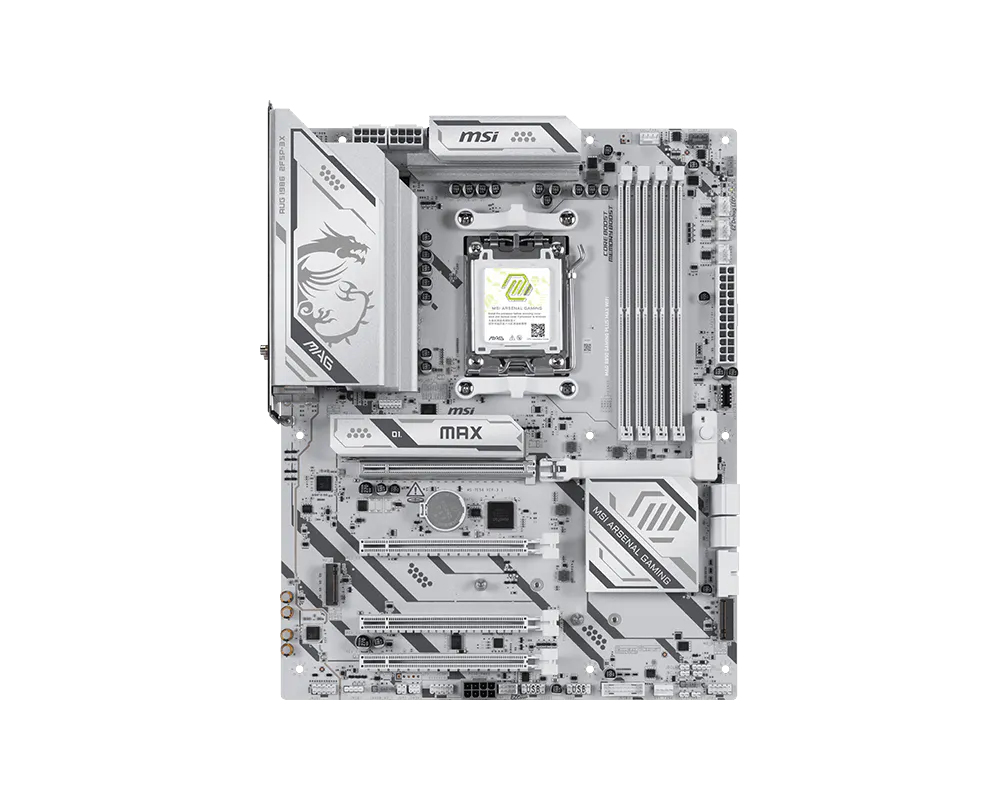
Özellik ve fiyatça en yakın modeller: Asus Pro B760M-C-CSM, MSI PRO B850M-P WIFI ve MSI B850 GAMING PLUS WIFI6E.
Üretici bölümlerindeki metin ve görseller Gigabyte markasına aittir; değiştirilmeden, kaynağı gösterilerek yayınlanır. Fiyatlar mağazalardan günlük toplanır; satın almadan önce satıcı sitesinde kontrol edin.