
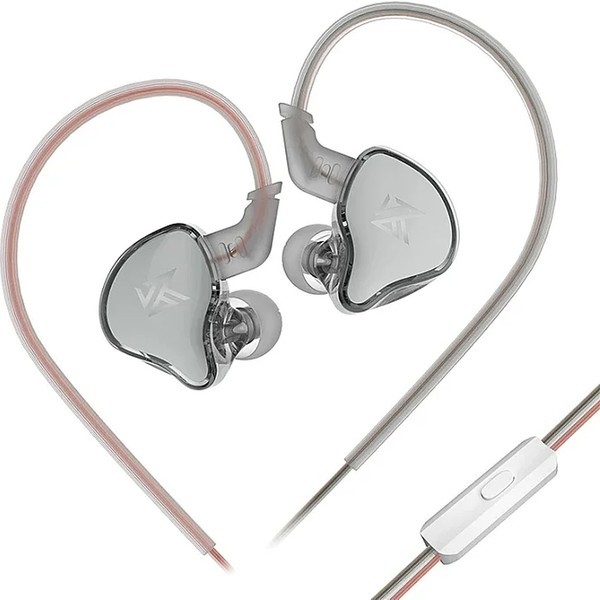
EDCX
Mikrofonlu
- Kablolu
- Pasif Gürültü Önleme
1.849TL

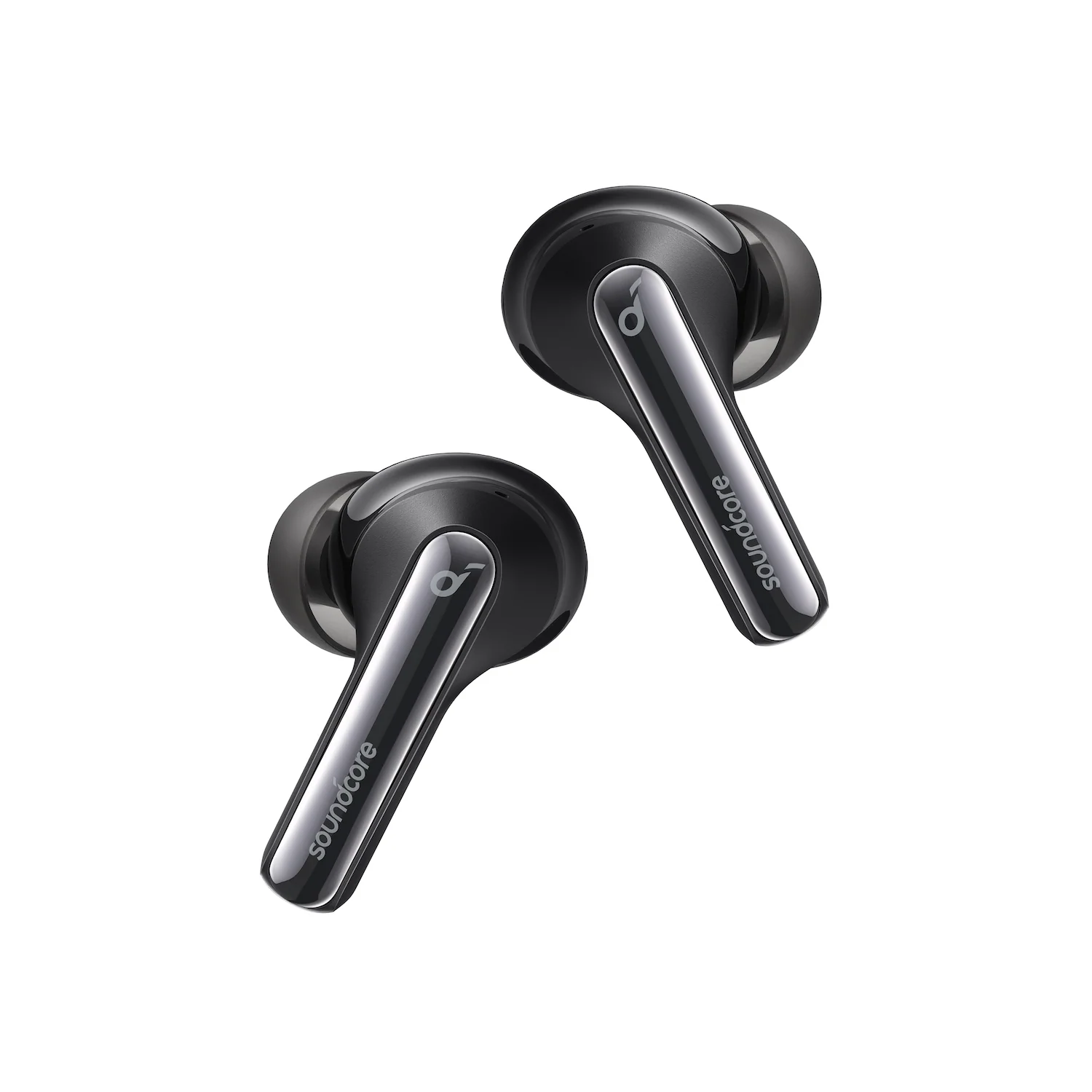
Fotoğraf: Anker
Buy soundcore Life P3i earbuds with hybrid ANC, 10mm drivers, AI calls, 36h battery, fast charging, and app EQ. Perfect for clear sound anywhere.
Products
Life P3i | Hybrid Active Noise Cancelling Earbuds
Immerse Yourself in Music with Hybrid ANC Technology
366 reviews
Color
Flexible installment payment options available.
Incredible Sound Loved by 20 Million+ People
Focus On Your Music: soundcore P3i noise cancelling earbuds have hybrid active noise cancelling feature with two microphones on each side that reduces external noise up to 90% so you can stay focused on your music.
AI-Enhanced Clear Calls: Get clear calls anywhere you go with 4 dedicated microphones built into the wireless earbuds and a noise-isolating AI algorithm that picks up your voice precisely.
Punchy Beats and Customized Sound: Enjoy powerful bass with P3i noise cancelling earbuds' 10mm drivers. Choose your preferred EQ settings from 22 different options and customize your sound profile via the soundcore app.
Charge Faster, Listen Longer: P3i noise cancelling earbuds last for 9 hours on a single charge or 36 hours with the compact case. For a quick boost of power when you're on the move, charge for 10 minutes and listen for 2 hours.
View More
Shipping Info
Shipping Policy
Standard Shipping
Place your order now for estimated delivery within 3-7 business days.
Free
Next-Day Shipping
Place your order now for estimated delivery within 1-2 business days.
$9.99
Members only
Express Shipping
Place your order now for estimated delivery within 1-3 business days.
$6.99
Members only
See available shipping areas
here
.
Express shipping is only available to registered users who are logged in.
Shipping Policy
Rules for Free Shipping Coupon:
1.While most orders are delivered within the estimated timeframe, certain factors may affect the delivery date.
2.Some items may be subject to shipping restrictions.
Additional Shipping Services
Next-Day Shipping Rates
Orders under 12 lb: $9.99
Orders over 12 lb: $14.99
Express Shipping Rates
Orders under 12 lb: $6.99
Orders over 12 lb: $9.99
Terms and Conditions
Services and benefits
Fast, Free Shipping
Hassle-Free Warranty
30-Day Money-Back Guarantee
Lifetime Customer Support
Want More Perks?
Become a Member Now!
1. Priority Shipping2. Member Pricing on Selected Products 3. Birthday Gift4. Unlock Benefits with soundcoreCredits
Learn More
30 Days Price Match
Payment Method
Delivery Method
Life P3i | Hybrid Active Noise Cancelling Earbuds
*For coupon issues, please contact customer support. Sold Out Notify Me *For coupon issues, please contact customer support. Block Out Distracting Sounds With hybrid active noise cancelling, background noise is reduced up to 90% to keep you fully immersed in your favorite music, games, or podcasts. Hear the World Around You Switch on Transparent Mode and talk to someone next to you with ease without removing your Life P3i noise cancelling earbuds. AI-Enhanced Calls Tuned to enhance voices. Ideal for listening to podcasts, audiobooks, radio, and more. Quick and Easy Pairing Life P3i noise cancelling earbuds are equipped with Bluetooth 5.2 technology so you can enjoy a fast and stable connection to your devices. Use One Earbud Only Whenever you don't want to use both earbuds, place either one of the buds back in the charging case and continue listening normally. Easy Button Controls Life P3i earbuds are equipped with easy-to-use tactile buttons that offer great control over your audio. FAQ Bluetooth How do I reset Life P3i? 1. Place the earbuds into the charging case and keep the case open. 2. Press and hold the button on the charging case for 10 seconds until the LED indicator on the charging case flashes red 3 times and then flashes white. This confirms that the reset is successful. When resetting the earbuds, make sure the earbuds are well connected to the case, or it may cause resetting failure. The LED will flash to indicate that they are properly connected. (When the earbuds are placed in the charging case, the LED will flash white for 3 seconds) What should I do if any of the following problems occur? 1. Cannot pair or reconnect with my device. 2. One side does not pair with the other side or my device. 3. No music plays after connecting with my device. 4. Only one earbud has sound. 1. Remove the protective film covering the connectors on the earbuds. 2. Reboot the Bluetooth device, such as a phone or computer. Forget all the pairing records on your device and turn off Bluetooth. 3. Reset the earbuds as per the steps below (make sure your earbuds have enough battery.) *Place the earbuds into the charging case and keep the case open. *Press and hold the button on the charging case for 10 seconds until the LED indicator on the charging case flashes red 3 times and then flashes white. This confirms that the reset is successful. When resetting the earbuds, make sure the earbuds are well connected with the case, or it may cause resetting failure. The LED will flash to indicate that they are properly connected. (When the earbuds are placed in the charging case, the LED will flash white for 3 seconds) 4. Turn on the Bluetooth of your device and search for soundcore Life P3i and pair. If there is a pop-up window to confirm pairing for "soundcore Life P3i," please select "pair." If you accidentally select "cancel," you need to refresh (turn off and turn on) the Bluetooth of your device and pair the earbuds again. What should I do if Life P3i disconnects or the sound is choppy? Please note that this doesn't necessarily mean there is an issue with the earbuds but may have something to do with the connected device and environment. Bluetooth signals may be influenced by obstructions, such as walls, pillars, home appliances, Wi-Fi, and more. To ensure a stable connection, we recommend avoiding such obstructions. To fix this issue, please try the following: 1. Fully charge and reset your earbuds as stated below and re-pair them. *Place the earbuds into the charging case and keep the case open. *Press and hold the button on the charging case for 10 seconds until the LED indicator on the charging case flashes red 3 times and then flashes white. This confirms that the reset is successful. 2. Check the earbuds by listening to downloaded music/video. 3. Check the earbuds with another Bluetooth device in a different environment to see if it works well. Bluetooth related issue (cannot be paired / disconnected) when connected to a computer 1. Fully charge and reset your earbuds as stated below: *Place the earbuds into the charging case and keep the case open. *Press and hold the button on the charging case for 10 seconds until the LED indicator on the charging case flashes red 3 times and then flashes white. This confirms that the reset is successful. 2. Upgrade your computer's Bluetooth driver to the latest version. 3. Re-pair your earbuds to your computer. 4. Test the earbuds on your phone to see if they are working properly. Can Life P3i be paired with multiple devices at the same time? This feature is currently not supported. If you want to pair Life P3i with a second device, please use one of the following methods: - Turn off Bluetooth on your current device so the earbuds enter pairing mode. Or 1. Place the earbuds back into the charging case and keep the lid open. 2. To enter pairing mode, press and hold the button on the case for 3 seconds until the LED indicator flashes white quickly. Please do not remove the earbuds from the case before pairing them with the second device. App Cannot find Life P3i on the soundcore App 1. Pair your earbuds with your phone. Currently, the soundcore app does not support computers. 2. Click on the soundcore App, and choose Headphones > Life > Life P3i to connect the earbuds. 3. If you cannot find Life P3i in the list, please update the app to the latest version (the version should be above 2.9.7). 4. Uninstall then proceed to reinstall the soundcore app. If the problem still persists, please let us know the version of your soundcore app and the phone model used so we can assist you better. Sound Low volume when connected to a phone 1. Make sure your earbuds have enough power before resetting them: *Place the earbuds into the charging case and keep the case open. *Press and hold the button on the charging case for 10 seconds until the LED indicator on the charging case flashes red 3 times and then flashes white. This confirms that the reset is successful. 2. Clear all the pairing records on your phone and re-pair your earbuds. Turn the volume down one notch on your phone. Then turn up the volume of both your phone and earbuds with the music/video to the maximum. 3. Use a Q-tip with a bit of rubbing alcohol to gently clean the metal mesh filter under the rubber ear tips. Low volume when connected to a Mac computer 1. Make sure your earbuds have enough power before resetting them: *Place the earbuds into the charging case and keep the case open. *Press and hold the button on the charging case for 10 seconds until the LED indicator on the charging case flashes red 3 times and then flashes white. This confirms that the reset is successful. 2. Clear all pairing records on your Mac computer and re-pair your earbuds. Turn the volume down one notch on your Mac computer. Then turn up the volume of your computer, earbuds and music/video to the maximum. 3. Use a Q-tip with a bit of rubbing alcohol to gently clean the metal mesh filter under the rubber ear tips. Low volume when connected to a Windows computer 1. Make sure your earbuds have enough power before resetting them: *Place the earbuds into the charging case and keep the case open. *Press and hold the button on the charging case for 10 seconds until the LED indicator on the charging case flashes red 3 times and then flashes white. This confirms that the reset is successful. 2. Clear all the pairing records on your Windows computer and re-pair your earbuds. Make sure you choose the right mode (For audio/video, choose Stereo, and for mic choose Hands-Free) 3. Turn up the volume of your computer, earbuds and music/video to the maximum. 4. Use a Q-tip with a bit of rubbing alcohol to gently clean the metal mesh filter under the rubber ear tips. Setting the input and output on a Windows computer with Life P3i 1. If you only want to listen to the audio on the computer, select "Life P3i Stereo" for the computer audio. If you need to adjust the volume, adjust both the software and the computer volume. 2. If you need to use a conference app on your computer such as Zoom/Microsoft Teams, please set the input and output of the software as stated below: - Microphone on the conference software: Life P3i Hands-Free - Speaker on the conference app: Life P3i Hands-Free If you need to adjust the volume, please do so on the app. If you cannot adjust the volume on the app, please select the Life P3i Hands-Free as output on your computer and adjust the volume. 3. If you need to use an audio and video app on the computer and you cannot set the input and output on the app, please open the computer audio settings and choose the correct settings: Input: Life P3i Hands-Free Output: Life P3i Hands-Free The person wearing the earbuds hears poor voice quality 1. Make sure you have raised both the volume of the earbuds and the connected device to the maximum. 2. Make sure you're wearing the earbuds in the correct position to create a tight seal. 3. Try switching to the phone mic and make a call to see if the problem still persists. The person on the other end of the call hears low and unclear voice 1. If you only use one earbud, make sure the other bud is in the charging case. 2. Try different sizes of ear tips that come with the earbuds and make sure you're wearing them in the correct position to create a tight seal. 2. Please make sure the audio output device chosen is "soundcore Life P3i" on the connected device. 3. If you make a call via an app, please try using your phone to make a call and see if the problem still persists. 4. Try testing your earbuds with a different Bluetooth device in a different environment to see if it makes any difference. Poor sound quality 1. Try different sizes of ear tips that come with the earbuds and make sure you're wearing the earbuds in the correct position so they create a tight seal. This will enhance the sound quality and noise cancellation effect. 2. Try different types of music and make sure the input audio source has no distortion or noise. 3. Try different EQ modes on the soundcore app and customize the EQ to your preference. The volume of Siri is too loud 1. Pair your earbuds with your phone. 2. Turn down the volume when making a call. 3. Restart Siri, and the volume should be lower. What audio codec does Life P3i support? SBC and AAC. When exercising, which mode should I use? Normal mode is recommended during exercise. Operation Unable to hang up a call Click either side of the earbuds twice to hang up the call while a single click on either one of the buds receives the call. When will Life P3i turn off automatically? 1. When the earbuds are placed in the charging case with the lid closed. 2. 10 minutes later when there are no devices connected to the earbuds. Cannot power on the earbuds The earbuds will automatically power on when the charging case is opened, or you can hold on the button of the earbuds for 3 seconds to power on. 1. Remove the protective film covering the connectors on the earbuds. 2. Make sure the charging case has enough power. 3. Place the earbuds in the charging case, then reopen the charging case. What should I do if Life P3i's noise cancellation performance does not meet my expectations? Here's what you can do to enhance the sound quality and noise cancellation: 1. Try other ear tips sizes to ensure the one you're using fits well and creates a tight seal. 2. Make sure you're wearing the earbuds in the correct position so that they create a tight seal. Note: In a noisy environment and at high volume, you may feel that the noise cancellation performance is not as strong. How do I power the earbuds on and off? Power on: 1. The earbuds will turn on automatically when you open the lid of the charging case. 2. Hold on the button of the earbuds for 3 seconds to power on. Power off: 2. Put the earbuds back into the charging case and close the lid to turn off the earbuds. 3. The earbuds will also turn off automatically when placed outside the case and have been disconnected from your device for 10 minutes. How should I look after Life P3i? 1. Use the earbuds regularly to avoid over-discharge which can harm the lifespan of the earbuds' battery. We recommend using Life P3i at least once a month. 2. Charge the earbuds after you use them. In order to improve the battery's lifespan, do not always wait until there's 20% power remaining or less to charge them. 3. Open the lid of the charging case at least once a month to ensure the earbuds are still working and charge the case at least once a month. 4. Regularly clean the charging pins on the earbuds and charging case. 5. Keep the ear tips clean, and regularly clean the metal mesh filter under the rubber ear tips with a bit of rubbing alcohol. 6. If Life P3i comes into contact with liquid, use a hairdryer in the 'cool' setting to dry the case. Why is there no response when I touch my P3i? 1. Please note that P3i only has physical buttons, you should "Press" and not "Touch" the panel. 2. The button is below the "d" logo, so make sure you are tapping the right spot. Are there any tips for upgrading Life P3i's firmware? 1. Keep the earbuds in the charging case and keep the lid open. 2. Make sure the earbuds have enough power (over 20%). 3. Do not use the earbuds during the process. 4. Try again if it fails. Can I use the left/right earbud on its own? Yes, just take one earbud out from the charging case to use. If you are using two earbuds, you can put either one of the earbuds back into the charging case and continue using the other one on its own. Charging How long does it take to fully charge the earbuds? About 2 hours. How long does it take to fully charge the charging case? About 2 hours. Does the case support wireless charging? No How can I charge the earbuds? 1. Confirm that the charging case has power left (open the charging case to check if there is white light flashing). 2. Close the lid after placing the earbuds in the charging case and start charging. What should I do if any of the following problems occur? 1) The earbuds don’t recharge in the charging case. 2) The earbuds stay connected to the device even after being placed in the charging case with the lid closed. 3) The earbuds don't turn on when taken out of the charging case. 1. Confirm the charging case has power left (open the charging case to check if there is white light flashing). 2. Clean the charging pins with a dry cloth and an alcohol-based disinfectant. This is to ensure all charging contact pins on the earbuds and charging case are completely clean and dry from sweat and water. Then put the earbuds correctly into the case. When you put the earbuds back into the charging case, the light on the case will flash for 3 seconds. 3. If they still do not turn on, put the earbuds back into the charging case and close the lid for 20 seconds, then try opening the lid again. Documents & Drivers How do I reset Life P3i? 1. Place the earbuds into the charging case and keep the case open. 2. Press and hold the button on the charging case for 10 seconds until the LED indicator on the charging case flashes red 3 times and then flashes white. This confirms that the reset is successful. When resetting the earbuds, make sure the earbuds are well connected to the case, or it may cause resetting failure. The LED will flash to indicate that they are properly connected. (When the earbuds are placed in the charging case, the LED will flash white for 3 seconds) What should I do if any of the following problems occur? 1. Cannot pair or reconnect with my device. 2. One side does not pair with the other side or my device. 3. No music plays after connecting with my device. 4. Only one earbud has sound. 1. Remove the protective film covering the connectors on the earbuds. 2. Reboot the Bluetooth device, such as a phone or computer. Forget all the pairing records on your device and turn off Bluetooth. 3. Reset the earbuds as per the steps below (make sure your earbuds have enough battery.) *Place the earbuds into the charging case and keep the case open. *Press and hold the button on the charging case for 10 seconds until the LED indicator on the charging case flashes red 3 times and then flashes white. This confirms that the reset is successful. When resetting the earbuds, make sure the earbuds are well connected with the case, or it may cause resetting failure. The LED will flash to indicate that they are properly connected. (When the earbuds are placed in the charging case, the LED will flash white for 3 seconds) 4. Turn on the Bluetooth of your device and search for soundcore Life P3i and pair. If there is a pop-up window to confirm pairing for "soundcore Life P3i," please select "pair." If you accidentally select "cancel," you need to refresh (turn off and turn on) the Bluetooth of your device and pair the earbuds again. What should I do if Life P3i disconnects or the sound is choppy? Please note that this doesn't necessarily mean there is an issue with the earbuds but may have something to do with the connected device and environment. Bluetooth signals may be influenced by obstructions, such as walls, pillars, home appliances, Wi-Fi, and more. To ensure a stable connection, we recommend avoiding such obstructions. To fix this issue, please try the following: 1. Fully charge and reset your earbuds as stated below and re-pair them. *Place the earbuds into the charging case and keep the case open. *Press and hold the button on the charging case for 10 seconds until the LED indicator on the charging case flashes red 3 times and then flashes white. This confirms that the reset is successful. 2. Check the earbuds by listening to downloaded music/video. 3. Check the earbuds with another Bluetooth device in a different environment to see if it works well. Bluetooth related issue (cannot be paired / disconnected) when connected to a computer 1. Fully charge and reset your earbuds as stated below: *Place the earbuds into the charging case and keep the case open. *Press and hold the button on the charging case for 10 seconds until the LED indicator on the charging case flashes red 3 times and then flashes white. This confirms that the reset is successful. 2. Upgrade your computer's Bluetooth driver to the latest version. 3. Re-pair your earbuds to your computer. 4. Test the earbuds on your phone to see if they are working properly. Can Life P3i be paired with multiple devices at the same time? This feature is currently not supported. If you want to pair Life P3i with a second device, please use one of the following methods: - Turn off Bluetooth on your current device so the earbuds enter pairing mode. Or 1. Place the earbuds back into the charging case and keep the lid open. 2. To enter pairing mode, press and hold the button on the case for 3 seconds until the LED indicator flashes white quickly. Please do not remove the earbuds from the case before pairing them with the second device. Customer Reviews Based on 366 reviews Write a review 79% (288) 21% (77) 0% (0) 0% (1) 0% (0) 100.0 D D.G. Calidad al mejor precio Muy buena calidad A A.M. These soundcore p3i fantastic value….. I love these earbuds the bass the sound quality is by far the best I’ve heard on any earbuds & for the cost of the product for what feels like a premium product you really can’t complain about anything. The ANC is pretty good too especially good when on flights you do still hear a little noise but it is only a little bit certainly not enough to spoil the music tones in your ears . I want another pair of these earbuds as a back up . R R. I will never not buy Soundcore! Soundcore products have yet to disappoint me. superb sound quality, great charging times and an exquisite hold; the charges last me many days. the noise cancelling is great as well. M M. Our new favorite ear buds I got a pair in white and loved them, so I got my husband a pair and he loves them too! I'm not an audiophile or anything but I feel like the sound quality is really amazing, especially for the price (I got it on sale both times around black Friday and prime days). Love the bass and the sound cancelling is impeccable. My coworker was literally knocking on my desk trying to get my attention this week and I didn't hear him lol.They pair super easily and it seems like they're very smart about how they pair, for example it will pair with both my phone and computer, and it will play music from my phone until someone calls on my computer and it will automatically switch over to that. Love that they have tactile buttons, they're so much lighter and more comfortable than my last pair of wireless buds, and I'm very happy with the battery life. My husband is just as happy with his set.Only issue so far is the carrying case cracked from being inside my purse, but everything still works great regardless. D D.V. Calidad audio Buena calidad de Sonido 1 2 3
Metin ve görseller üreticinin sitesinden birebir · Anker'daki ürün sayfası: https://www.soundcore.com/products/p3i
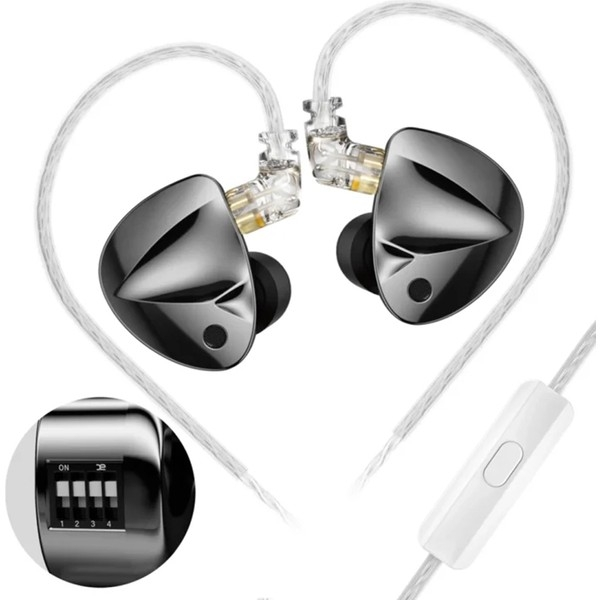
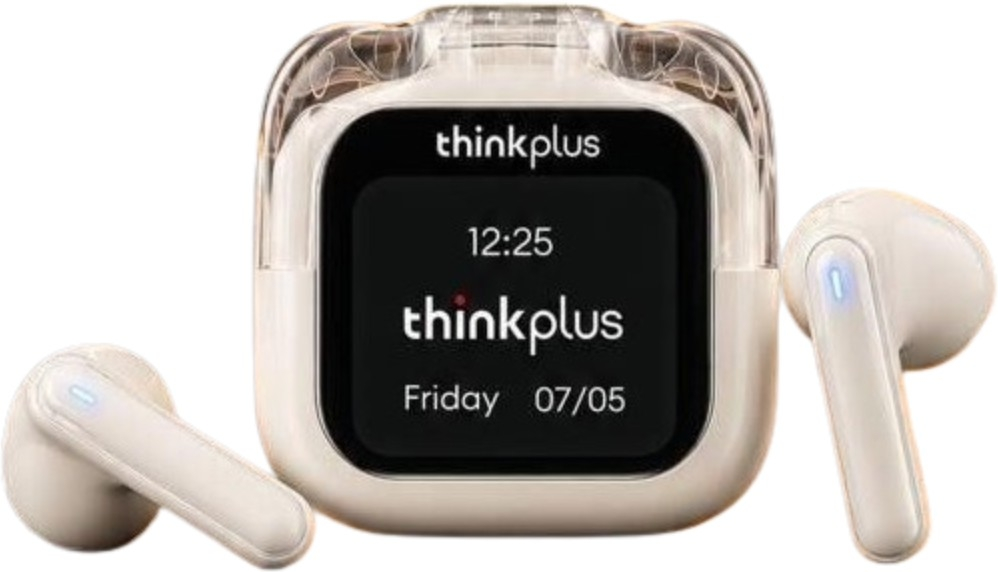
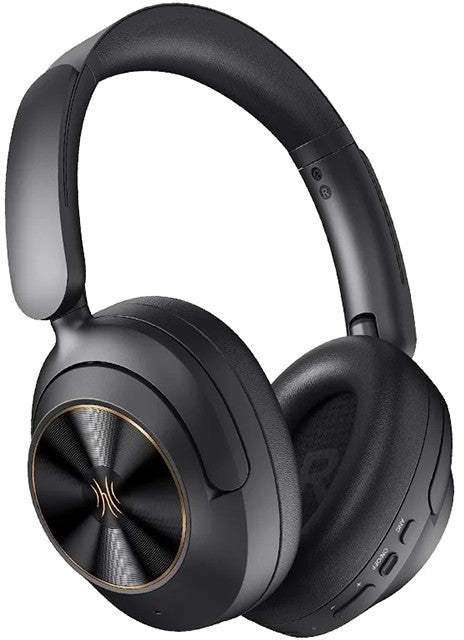
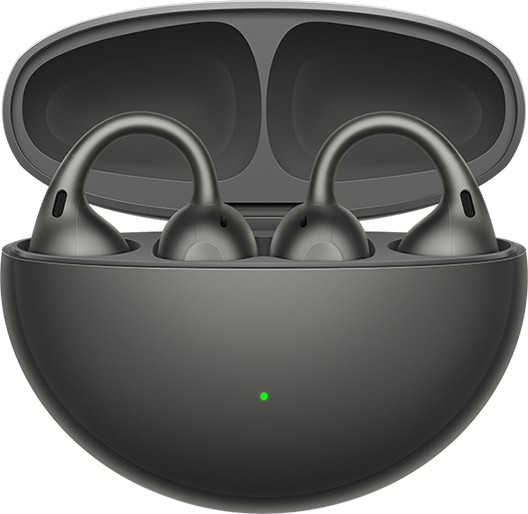
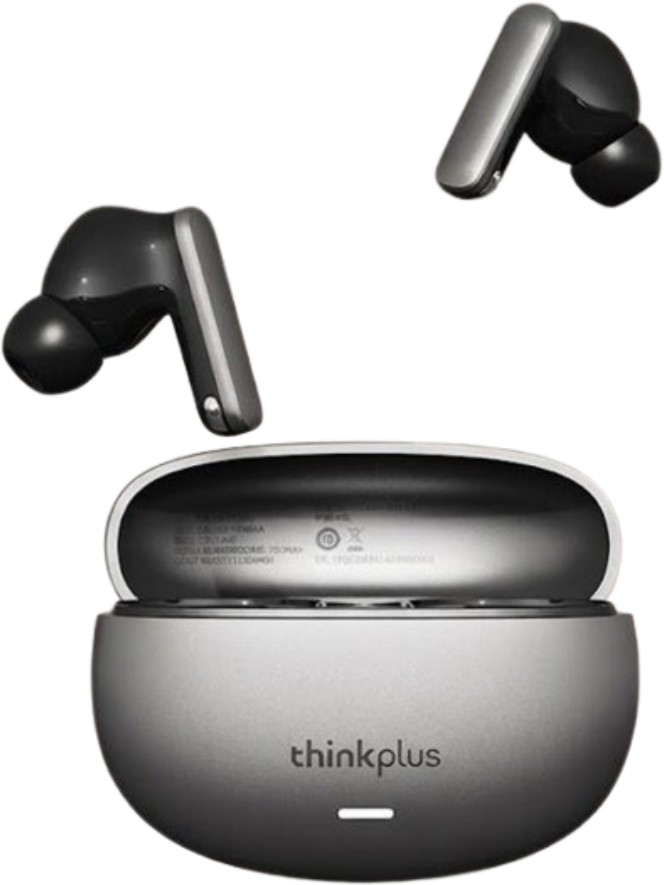
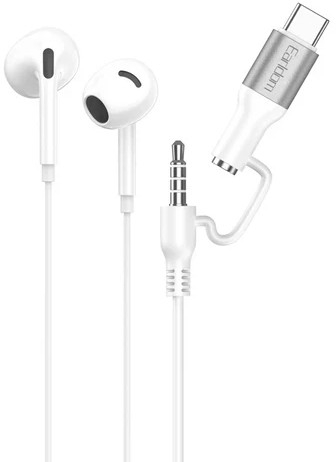
Anker markasının bu kategoride fiyatı listelenen 45 modeli var; kategorideki fiyatlı modellerin %3'ü bu markanın.
Özellikçe en yakın modeller: Philips SHE3595, Philips SHE3205 ve Rampage SN-R99 Elity.
Üretici bölümlerindeki metin ve görseller Anker markasına aittir; değiştirilmeden, kaynağı gösterilerek yayınlanır. Fiyatlar mağazalardan günlük toplanır; satın almadan önce satıcı sitesinde kontrol edin.