
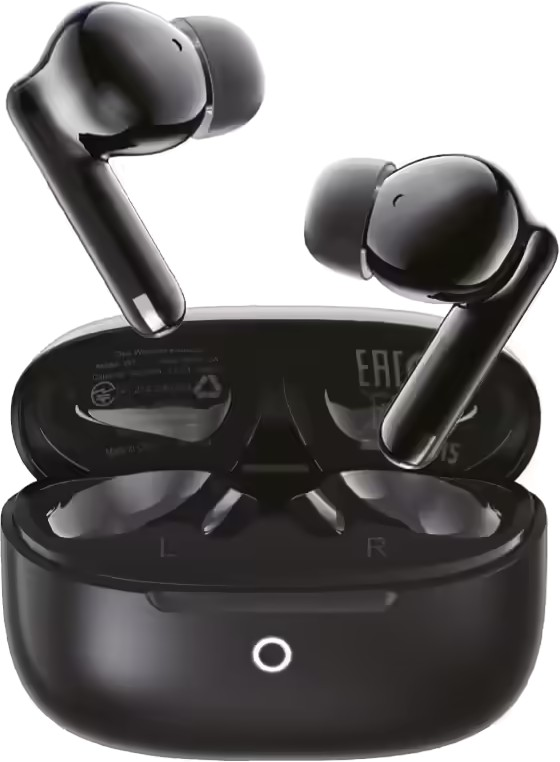
W7
W7
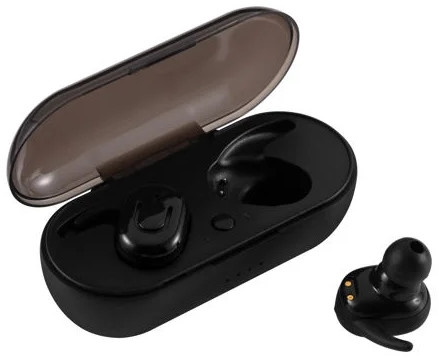
- Tam Kablosuz
- Pasif Gürültü Önleme
- Batarya 6 saat
899TL

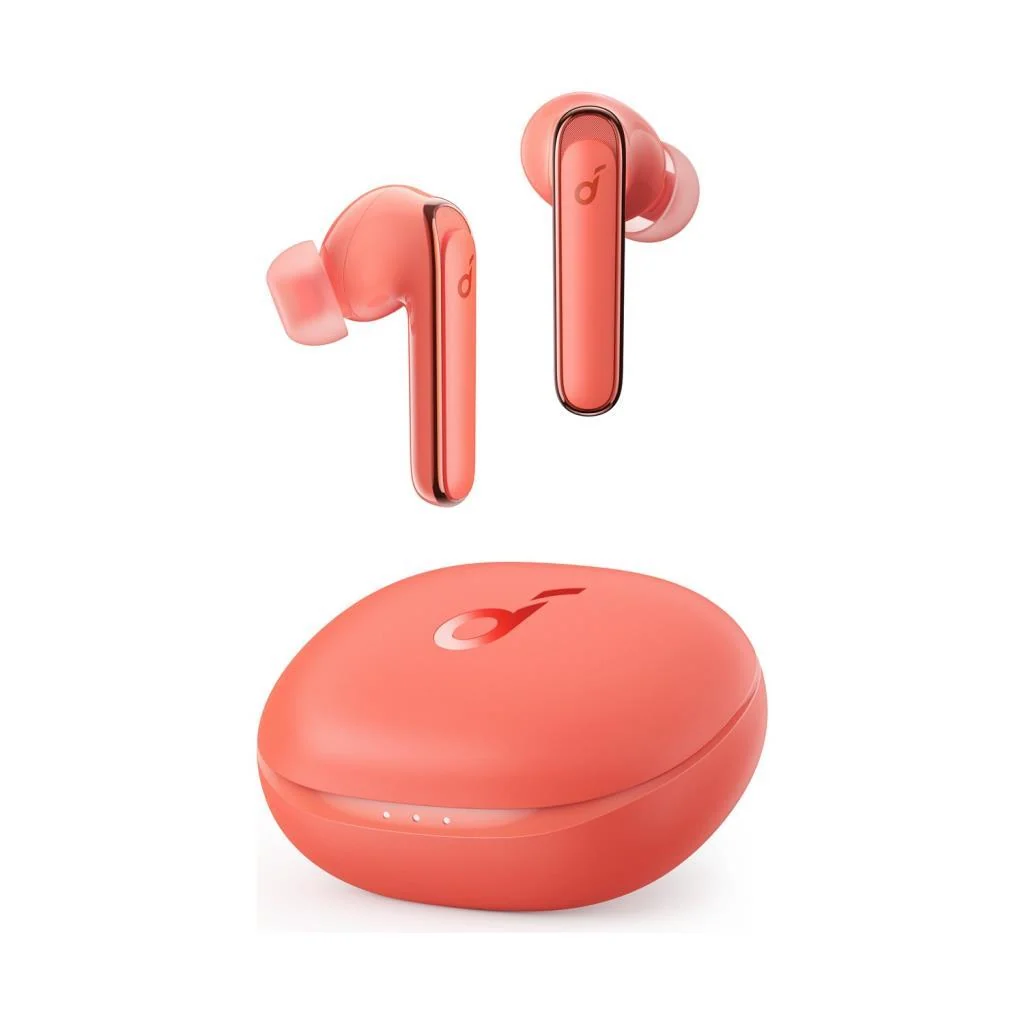
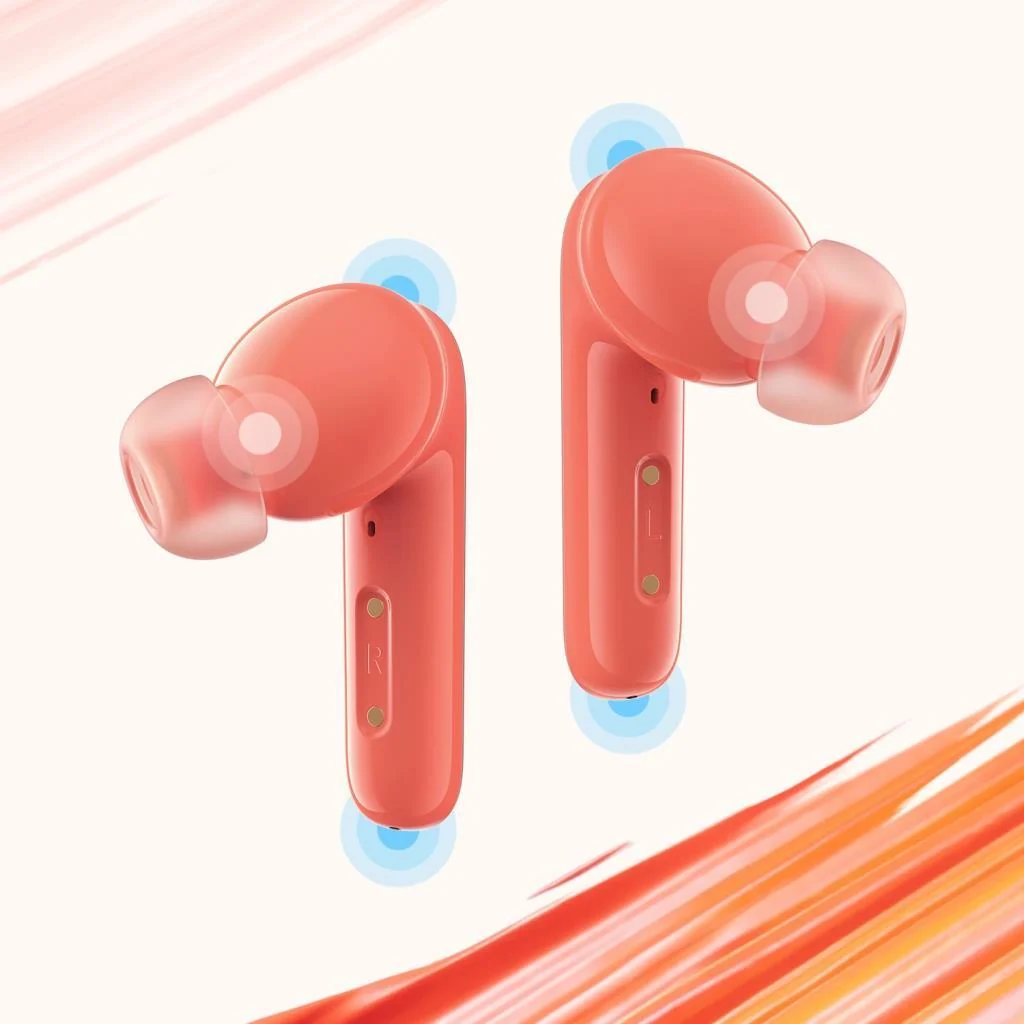
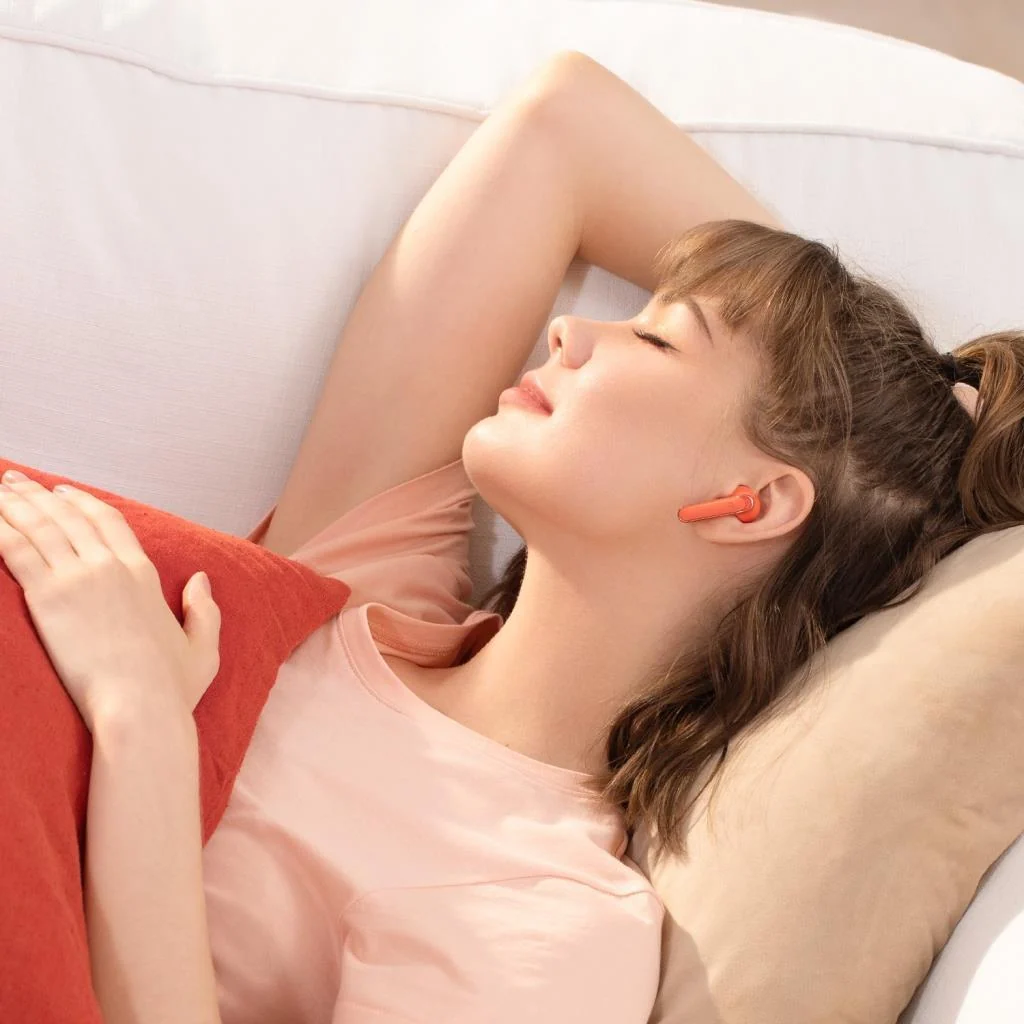
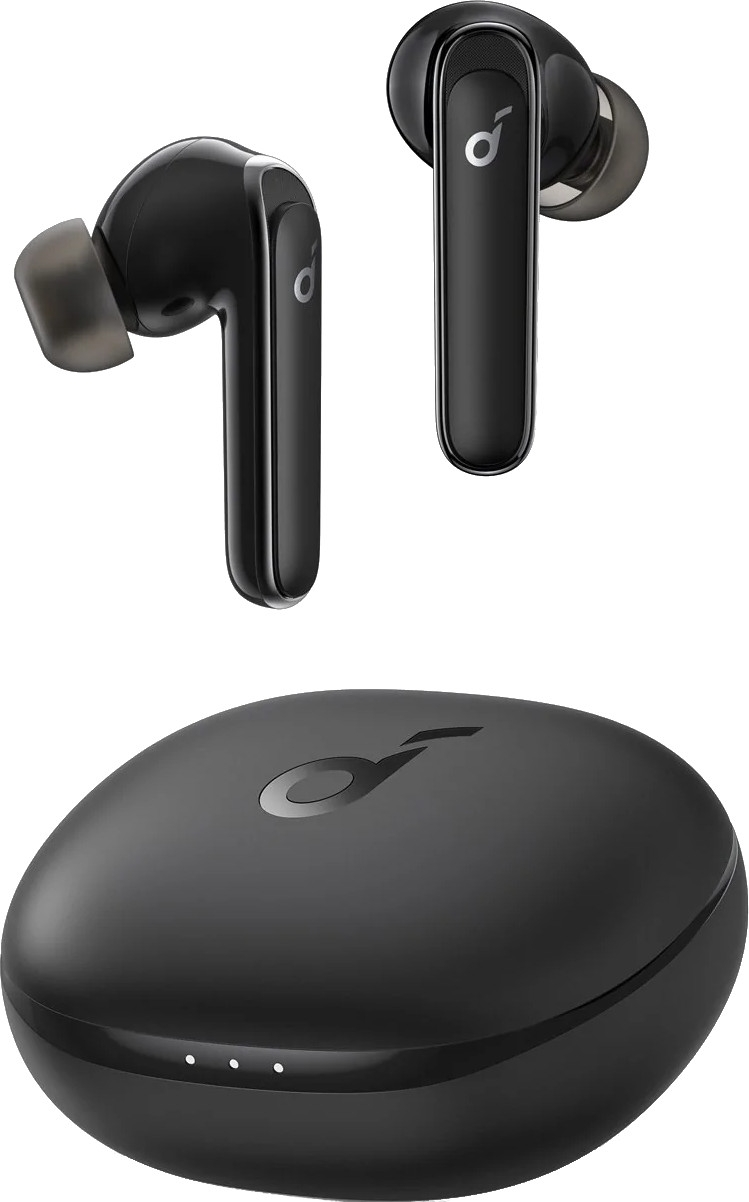
Görseller: mağazalar
Buy Life P3 Coral Red earbuds with BassUp sound, 11mm drivers, location-based ANC, and 6 mics for crystal-clear calls. Small case and 35H battery.
Products
Life P3 | Noise Cancelling Earbuds with Bass
Exclusive BassUp Technology for Incredible Thumping Sound
147 reviews
Color
Coral Red
Flexible installment payment options available.
Incredible Sound Loved By 20 Million+ People
Pocket-Sized Pop of Color: Life P3 noise cancelling earbuds come in 5 eye-catching colors to pair with your personal style. And the ultra-compact case fits effortlessly in small bags or pockets.
Fueled By The Beat: Life P3 noise cancelling earbuds’ thumping sound is produced by custom 11mm composite drivers. Activate BassUp mode in the app to further intensify bass in real-time.
Multi-Mode Noise Cancelling: Sync the noise cancelling to your location for an optimized experience. Transport, Outdoor, and Indoor modes are each tailored to block out irritating background noises in each environment.
Enhanced Call Performance: Life P3 noise cancelling earbuds have 6 microphones and an exclusive algorithm to tune out background noises. Your voice will be heard clearly on calls, video chats, livestreams, and more.
View More
Shipping Info
Shipping Policy
Standard Shipping
Place your order now for estimated delivery within 3-7 business days.
Free
Next-Day Shipping
Place your order now for estimated delivery within 1-2 business days.
$9.99
Members only
Express Shipping
Place your order now for estimated delivery within 1-3 business days.
$6.99
Members only
See available shipping areas
here
.
Express shipping is only available to registered users who are logged in.
Shipping Policy
Rules for Free Shipping Coupon:
1.While most orders are delivered within the estimated timeframe, certain factors may affect the delivery date.
2.Some items may be subject to shipping restrictions.
Additional Shipping Services
Next-Day Shipping Rates
Orders under 12 lb: $9.99
Orders over 12 lb: $14.99
Express Shipping Rates
Orders under 12 lb: $6.99
Orders over 12 lb: $9.99
Terms and Conditions
Services and benefits
Fast, Free Shipping
Hassle-Free Warranty
30-Day Money-Back Guarantee
Lifetime Customer Support
Want More Perks?
Become a Member Now!
1. Priority Shipping2. Member Pricing on Selected Products 3. Birthday Gift4. Unlock Benefits with soundcoreCredits
Learn More
30 Days Price Match
Payment Method
Delivery Method
Life P3 | Noise Cancelling Earbuds with Bass
*For coupon issues, please contact customer support. Sold Out Notify Me *For coupon issues, please contact customer support. Thumping Beats Life P3 noise cancelling earbuds have 11mm drivers and our exclusive BassUp technology to fuel rich sound with a thumping low end. Multi-Mode Noise Cancelling Target ambient noises indoors, outdoors, and while traveling on the train, subway, or bus for a distraction-free listening experience. Switch between modes depending on where you’re listening via the soundcore app. Boosted Call Quality 6 microphones and a noise reduction algorithm work in real-time to pick up your voice and cancel out background noises for crystal-clear clarity. At the Center of the Action Activate Gaming mode via the soundcore app for a more immersive audio experience while playing your favorite mobile games. No Wires For extra convenience, recharge Life P3’s charging case on a wireless charger. All-Day Listening Life P3 noise cancelling earbuds have 7 hours of playtime from a single charge which extends to 35 hours with the compact charging case. Customize Your Listening The soundcore app allows you to customize everything from the EQ to creating your own relaxing white noise soundscape. Also, test the earbuds’ fit, update firmware, and more. Find Your Earbuds Go to the soundcore app and activate “Find My Headset”. The lost earbud will emit a loud noise to help you locate it. Secure and Comfortable Built to hug the curve of your ear, Life P3 noise cancelling earbuds sit stably in your ear. Mix and match the various sizes of eartips for the best fit and seal.
How-To Videos
Bluetooth
1. Place the earbuds into the charging case and keep the case open.
2. Press and hold the button on the charging case for 10 seconds until 3 LED indicators on the charging case flash white 3 times and then flash white in sequence continuously. This confirms that the reset is successful.
When resetting the earbuds, make sure the earbuds are well connected with the case, or it may cause resetting failure. The first and third LEDs will flash to indicate that they are properly connected. (When earbuds are placed in the charging case, the first LED flashes twice when the left earbud is in the case, and the third LED flashes twice when the right earbud is in the case)
1. Remove the protective film covering the connectors on the earbuds.
2. Reboot the Bluetooth device, such as a phone or computer. Forget all the pairing records on your device and turn off Bluetooth.
3. Reset the earbuds as per the steps below (make sure your earbuds have enough battery).
*Place the earbuds into the charging case and keep the case open. *Press and hold the button on the charging case for 10 seconds until 3 LED indicators on the charging case flash white 3 times and then flash white in sequence continuously. This confirms that the reset is successful. When resetting the earbuds, make sure the earbuds are well connected with the case, or it may cause resetting failure. The first and third LEDs will flash to indicate that they are properly connected. (The first LED flashes twice when the left earbud is in the case, and the third LED flashes twice when the right earbud is in the case). 4. Turn on the Bluetooth of your device and search for soundcore Life P3 and pair. If there is a pop-up window to confirm pairing for "soundcore Life P3," please select "pair." If you accidentally select "cancel," you need to refresh (turn off and turn on) the Bluetooth of your device and pair the earbuds again.
Please note that this doesn't necessarily mean there is an issue with the earbuds but may have something to do with the connected device and environment. Bluetooth signals may be influenced by obstructions, such as walls, pillars, home appliances, Wi-Fi, and more. To ensure a stable connection, we recommend avoiding such obstructions.
To fix this issue, please try the following:
1. Fully charge and reset your earbuds as stated below and re-pair them.
*Place the earbuds into the charging case and keep the case open. *Press and hold the button on the charging case for 10 seconds until 3 LED indicators on the charging case flash white 3 times and then flash white in sequence continuously. This confirms that the reset was successful. 2. Check the earbuds by listening to a downloaded music/video. 3. Check the earbuds with another Bluetooth device in a different environment to see if it works well.
1. Fully charge and reset your earbuds as stated below:
*Place the earbuds into the charging case and keep the case open. *Press and hold the button on the charging case for 10 seconds until 3 LED indicators on the charging case flash white 3 times and then flash white in sequence continuously. This confirms that the reset was successful. 2. Upgrade your computer's Bluetooth driver to the latest version. 3. Re-pair your earbuds to your computer. 4. Test the earbuds on your phone to see if they are working properly.
This feature is currently not supported.
If you want to pair Life P3 with a second device, please use one of the following methods:
- Turn off Bluetooth on your current device so the earbuds enter pairing mode.
Or
1. Place the earbuds back into the charging case and keep the lid open.
2. To enter pairing mode, press and hold the button on the case for 3 seconds until the 3 LED indicators flashes white in sequence continuously.
Please do not remove the earbuds from the case before pairing them with the second device.
App
1. Pair your earbuds with your phone. Currently, the soundcore App does not support computers.
2. Click on the soundcore App, and choose Headphones> Life >Life P3 to connect the earbuds.
3. If you cannot find Life P3 in the list, please update the app to the latest version (the version should be above 2.7.0.).
4. Uninstall then proceed to reinstall the soundcore App.
If the problem still persists, please let us know the version of your soundcore App and the phone model used so we can assist you better.
Sound
1. Make sure your earbuds have enough power before resetting them:
*Place the earbuds into the charging case and keep the case open. *Press and hold the button on the charging case for 10 seconds until 3 LED indicators on the charging case flash white 3 times and then flash white in sequence continuously. This confirms that the reset was successful. 2. Clear all the pairing records on your phone and re-pair your earbuds. Turn the volume down one notch on your phone. Then turn up the volume of both your phone and earbuds with the music/video to the maximum. 3. Use a Q-tip with a bit of rubbing alcohol to gently clean the metal mesh filter under the rubber ear tips.
1. Make sure your earbuds have enough power before resetting them;
*Place the earbuds into the charging case and keep the case open. *Press and hold the button on the charging case for 10 seconds until 3 LED indicators on the charging case flash white 3 times and then flash white in sequence continuously. This confirms that the reset was successful. 2. Clear all the pairing records on your Mac computer and re-pair your earbuds. Turn the volume down one notch on your Mac computer. Then turn up the volume of both your Mac computer and earbuds with the music/video to the maximum. 3. Use a Q-tip with a bit of rubbing alcohol to gently clean the metal mesh filter under the rubber ear tips.
1. Make sure your earbuds have enough power before resetting them:
*Place the earbuds into the charging case and keep the case open. *Press and hold the button on the charging case for 10 seconds until 3 LED indicators on the charging case flash white 3 times and then flash white in sequence continuously. This confirms that the reset was successful. 2. Clear all the pairing records on your Windows computer and re-pair your earbuds. Make sure you choose the right mode (For audio/video, choose Stereo, and for mic choose Hands-Free) 3. Turn up the volume of your computer, earbuds and music/video to the maximum. 4. Use a Q-tip with a bit of rubbing alcohol to gently clean the metal mesh filter under the rubber ear tips.
1. If you only want to listen to the audio on the computer, select "Life P3 Stereo" for the computer audio. If you need to adjust the volume, adjust both the software and the computer volume.
2. If you need to use a conference app on your computer such as Zoom/Microsoft Teams, please set the input and output of the software as stated below:
- Microphone on the conference software: Life P3 Hands-Free
- Speaker on the conference app: Life P3 Hands-Free
If you need to adjust the volume, please do so on the app. If you cannot adjust the volume on the app, please select the Life P3 Hands-Free as output on your computer and adjust the volume.
3. If you need to use an audio and video app on the computer and you cannot set the input and output on the app, please open the computer audio settings and choose the correct settings:
Input: Life P3 Hands-Free
Output: Life P3 Hands-Free
1. Make sure you have raised both the volume of the earbuds and the connected device to the maximum.
2. Make sure you're wearing the earbuds in the correct position to create a tight seal.
3. Try switching to the phone mic and make a call to see if the problem still persists.
1. If you only use one earbud, make sure the other bud is in the charging case.
2. Try different sizes of ear tips that come with the earbuds and make sure you're wearing them in the correct position to create a tight seal.
2. Please make sure the audio output device chosen is "soundcore Life P3" on the connected device and turn up the volume on your device.
3. If you make a call via an app, please try using your phone to make a call instead to see if the problem still persists.
4. Try testing your earbuds with a different Bluetooth device in a different environment to see if it makes any difference.
1. Try different sizes of the ear tips that come with the earbuds and make sure you're wearing the earbuds in the correct position so that they create a tight seal. This will enhance the sound quality and noise cancellation effect.
2. Try different types of music and make sure the input audio source has no distortion or noise.
3. Try different EQ modes on the soundcore App and customize the EQ to your preference.
1. Try different sizes of the ear tips that come with the earbuds and make sure you're wearing the earbuds in the correct position so that they create a tight seal. This will enhance the noise cancellation effect.
2. The three noise cancelling modes are optimized according to different usage scenarios. They can be selected and switched in the soundcore app, but the difference may not be too obvious in a quiet environment;
Transport mode: Suitable for noisy environments such as airplanes/railroads.
Indoor mode: Suitable for a relatively quiet indoor environment with comfortable noise cancellation.
Outdoor mode: Reduce outdoor environmental noise considerably. Listening to music with headphones and perceiving the external environment changes at the same time.
1. Pair your earbuds with your phone.
2. Turn down the volume when making a call.
3. Restart Siri, and the volume should be lower.
SBC and AAC.
Normal mode is recommended during exercise.
Operation
Hold either side of the earbuds for 2 seconds to hang up the call while a single/double click on either one of the buds receives the call.
1. When the earbuds are placed in the charging case with the lid closed.
2. 30 minutes later when there are no devices connected to the earbuds.
The earbuds will automatically power on when the charging case is opened. We regret to inform you that you cannot power on the earbuds without the charging case.
1. Remove the protective film covering the connectors on the earbuds.
2. Make sure the charging case has enough power.
3. Place the earbuds in the charging case, then reopen the charging case.
Here's what you can do to enhance the sound quality and noise cancellation:
1. Try other eartips sizes to ensure the one you're using fits well and creates a tight seal.
2. Make sure you're wearing the earbuds in the correct position so that they create a tight seal. To check if you're wearing the earbuds in the perfect position, take the Tip Fit Test on the soundcore app and watch this video for more information.
3. Try different noise cancellation modes to find one that's most suited to your environment. You can also customize the EQ to tailor the sound to your ears.
Note: In a noisy environment and at high volume, you may feel that the noise cancellation performance is not as strong.
Power on:
1. The earbuds will turn on automatically when you open the lid of the charging case.
Power off:
2. Put the earbuds back into the charging case and close the lid to turn off the earbuds.
3. The earbuds will also turn off automatically when placed outside the case and have been disconnected from your device for 30 minutes.
1. Use the earbuds regularly to avoid over-discharge which can harm the lifespan of the earbuds' battery. We recommend using Life P3 at least once a month.
2. Charge the earbuds after you use them. In order to improve the battery’s lifespan, do not always wait until there's 20% power remaining or less to charge them.
3. If you intend to store the charging case, make sure there are at least 2 indicators that light up on the case to ensure there is enough power.
4. Open the lid of the charging case at least once a month to ensure the earbuds are still working.
5. Regularly clean the charging pins on the earbuds and charging case.
6. Keep the eartips clean.
7. If Life P3 comes into contact with liquid, use a hairdryer on the 'cool' setting to dry the case.
Use the stems of the earbuds to adjust Life P3's position in your ears and avoid touching the touchpad.
Please make sure you are tapping the right spot on Life P3 (where the logo is printed).
1. It enhances the gaming sound, such as footsteps and voices.
2. It can reduce the earbuds' latency during games. Please note that different networks and phones can cause latency to occur.
1. This feature can only be used when the earbud(s) is connected to the phone.
2. Connect the earbud(s) to the soundcore App. Click on the settings logo in the top right and select "Find Device".
Note: Do not use earbuds while using this feature to protect your hearing.
1. Keep the earbuds in the charging case and keep the lid open.
2. Make sure the earbuds have enough power (over 20%).
3. Do not use the earbuds during the process.
4. Try again if it fails.
Yes, just take one earbud out from the charging case to use.
If you are using two earbuds, you can put either one of the earbuds back into the charging case and continue using the other one on its own.
Charging
About 2 hours.
About 3 hours.
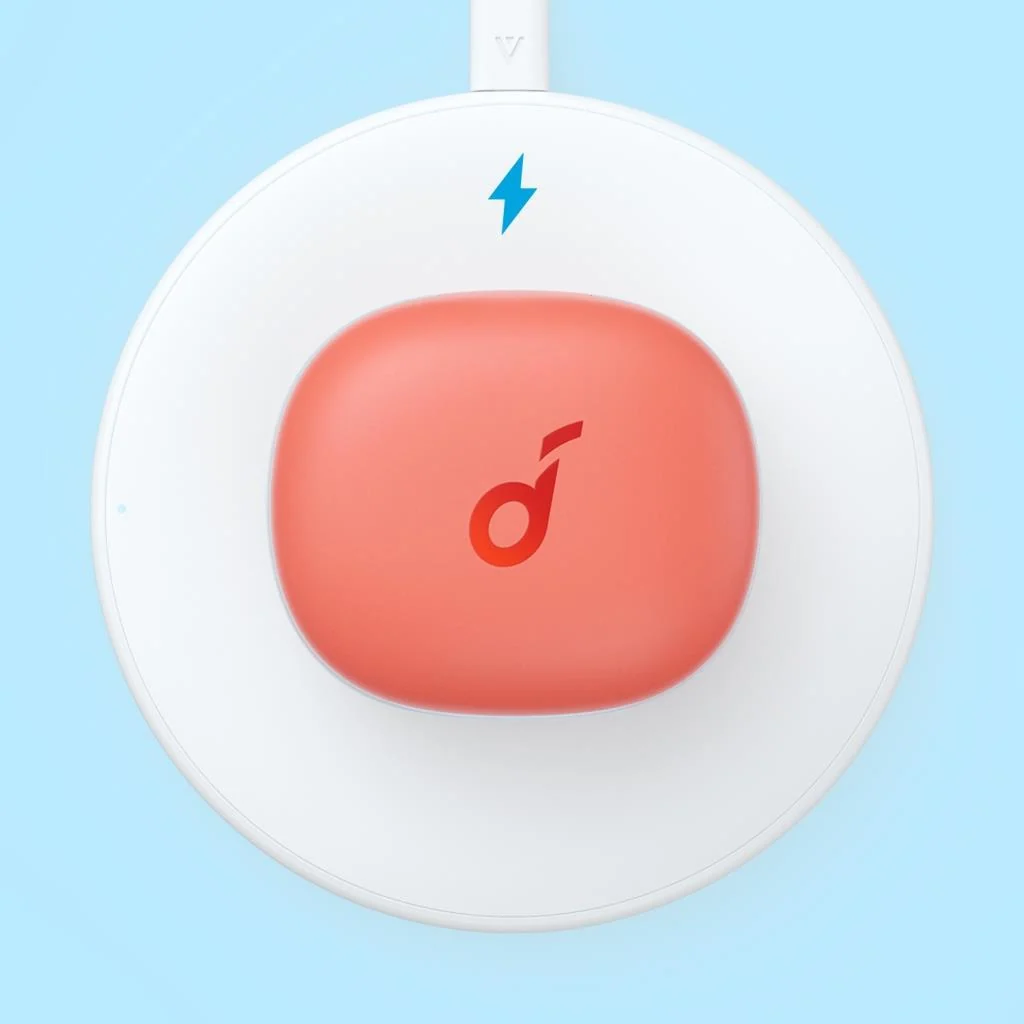
Yes, place the case on a wireless charging pad and make sure it's closed and centrally aligned. If it starts charging you will see the LEDs blinking.
1. Confirm that the charging case has power left (open the lid of the charging case to check if there is any indication on the LED).
2. Close the lid after placing the earbuds in the charging case and start charging.
1. Confirm the charging case has power left (open the charging case lid to check if there is any indication on the LED).
2. Clean the charging pins with a dry cloth and an alcohol-based disinfectant. This is to ensure all charging contact pins on the earbuds and charging case are completely clean and dry of sweat and water. Then put the earbuds correctly into the case. When you put the earbuds back into the charging case, the first and third lights on the case will flash twice to indicate both earbuds are charging normally.
3. If they still do not turn on, put the earbuds back into the charging case and close the lid for 6 seconds, and try opening the lid again.
Documents & Drivers
Based on 147 reviews
Write a review
84%
(124)
16%
(23)
0%
(0)
0%
(0)
0%
(0)
100.0
C
C.
Excellent Sound Quality
I bought these almost 2 years ago. Sound quality and all-around quality is excellent. I can't imagine it gets much better. Great ear buds!
L
L.D.
Love these, they really immerse me into the music.
R
R.C.
I gave this as a gift and the person felt like they are the best deal. Not sure what to get young people these days but I think I made a good choice.
T
T.C.
You get what you paid for
Product pretty much lives up to it's claims. Nice bass sound, and ANC is great. Only downside is the ear tips are too small for my ear. Other than that; excellent battery life, extremely long lasting. I wish the volume on my phone was louder.
J
J.D.
Great Ear Buds, good sound for the $$
Got these a birthday gift for my daughter, .. she had other buds, but they were not "noise canceling". Plus, she likes the rose or pink color on these. She's happy, .. so I'm happy.
1
2
3
Metin ve görseller üreticinin sitesinden birebir · Anker'daki ürün sayfası: https://www.soundcore.com/products/a3939052
Bu metin Anker tarafından serinin açıklaması olarak yazılmıştır; bu modelin yapılandırma, teknik özellik ve renk ayrıntıları farklı olabilir.
Mağaza sayfaları: miniode.com
Kulağınızda hem güçlü bas hem de gürültü önleme istiyorsanız Soundcore'un bu modeli göz atılabilir. Anker Soundcore Life P3, Bluetooth 5.2 ile bağlanan, tam kablosuz, kulak içi bir kulaklık. Hibrit aktif gürültü önleme çok modlu çalışıyor; oyun modu ise video ve oyunda gecikmeyi azaltmayı hedefliyor.
Pil ömrü 10 saat, empedans 16 Ω ve akustik yapı kapalı; yani dış sesi azaltan bir yapı. Suya dayanıklılığı da var, böylece terli antrenmanlarda işe yarayabilir. Mikrofon yapısı aramalarda netlik hedefliyor ve kolay şarj özelliği günlük kullanımı kolaylaştırıyor. Mercan kırmızısı renkte sunulan bu model, telefon ve tablet için sade bir kablosuz kulaklık arayanlara hitap ediyor.
Mağaza bilgilerinden yapay zekâ yardımıyla derlenmiştir.
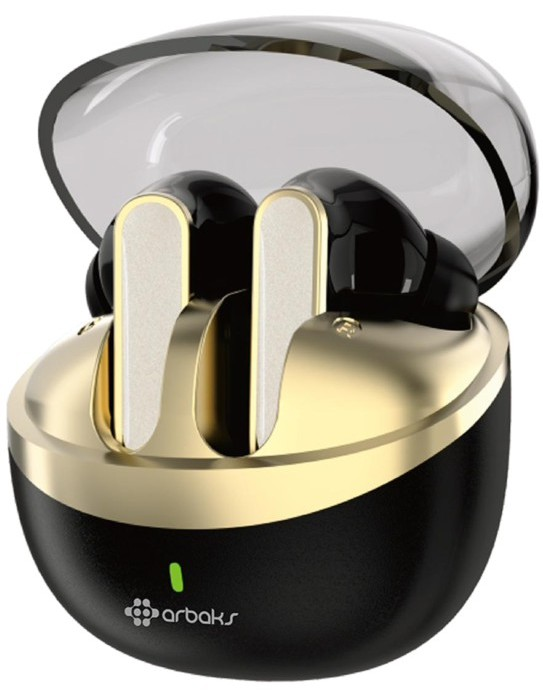
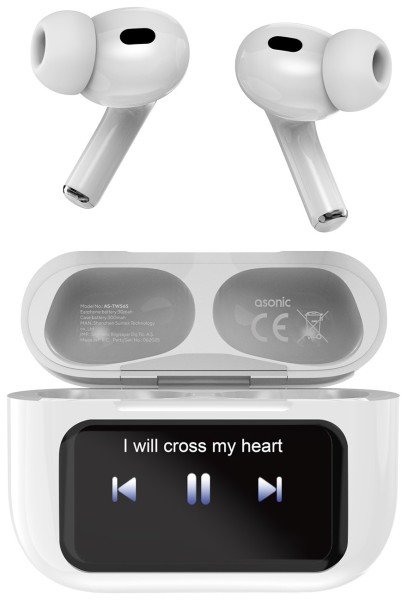
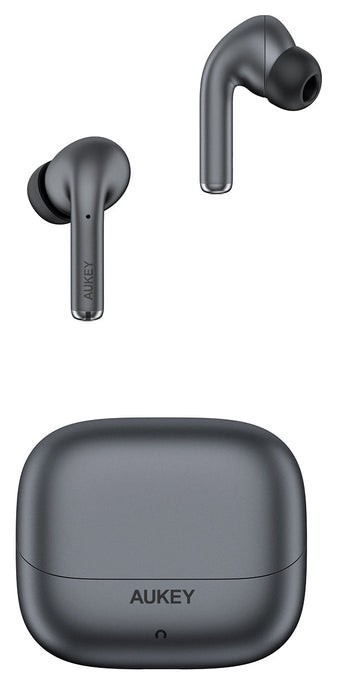
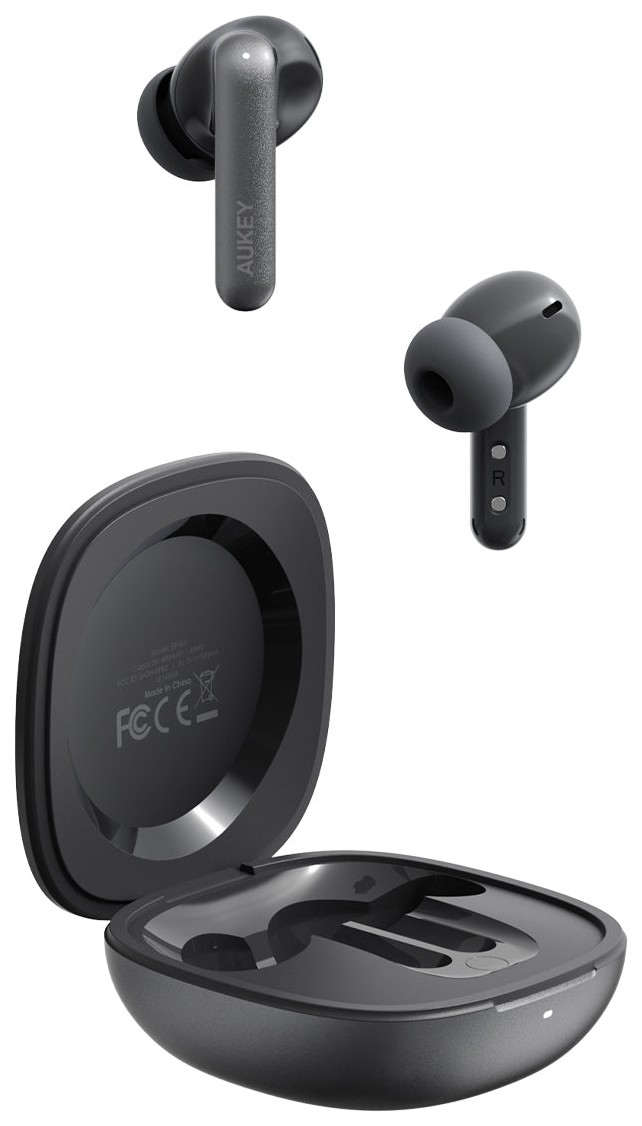
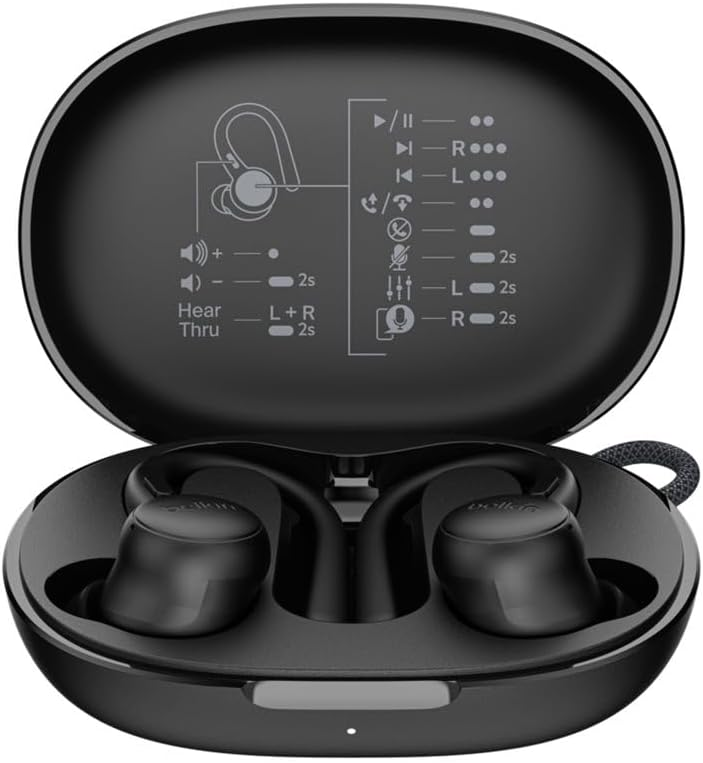
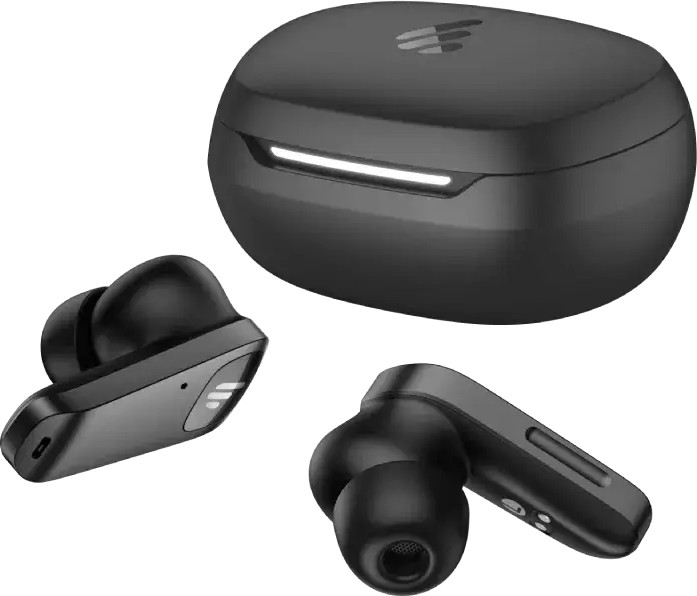
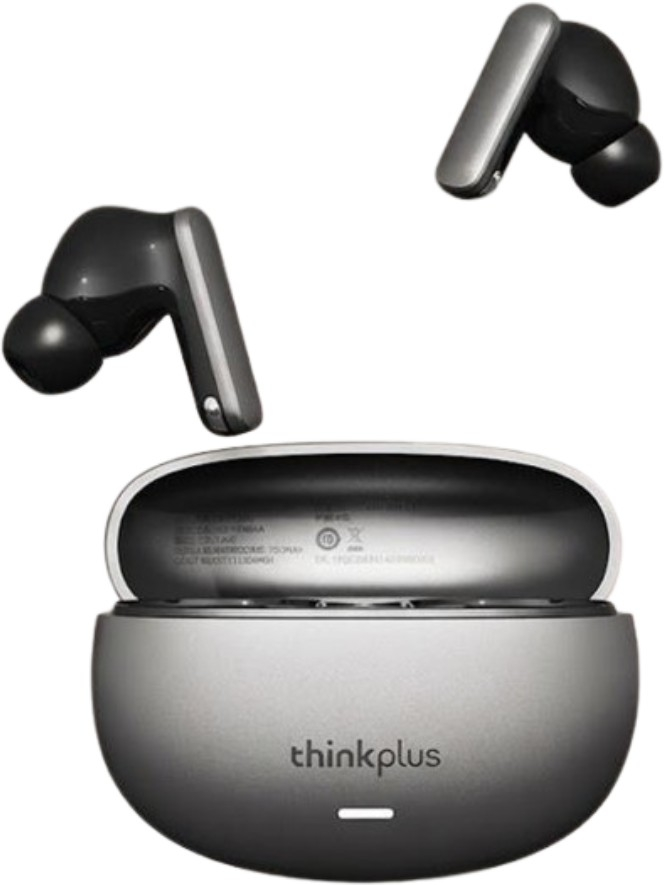
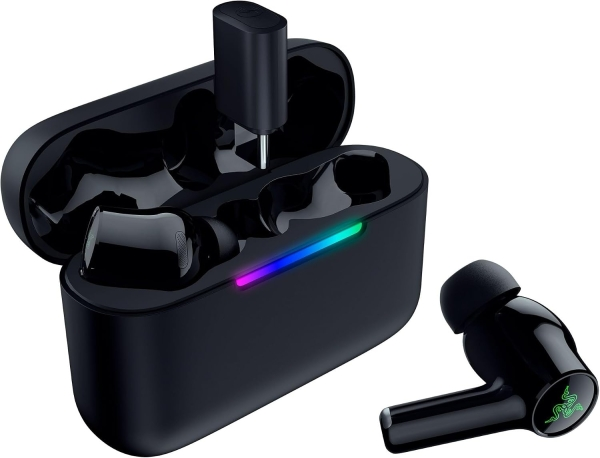
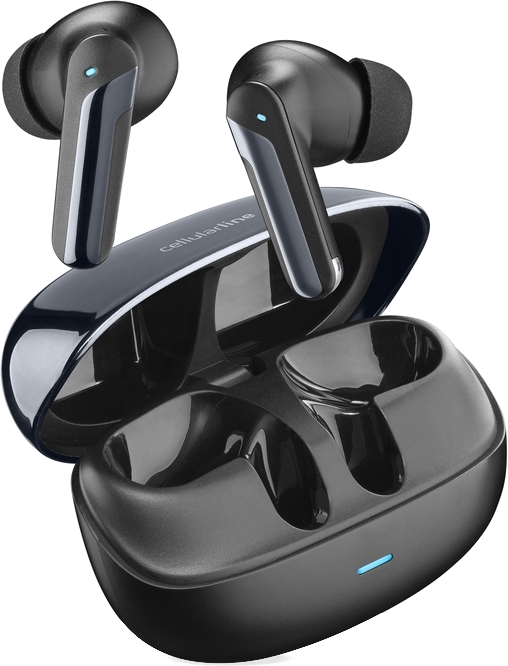
Anker Soundcore Life P3 için bugün listelenen en düşük fiyat 4.991 TL, en ucuz satıcı Pazarama. Ürün 3 mağazada listeleniyor, fiyatlar 4.991 – 6.999 TL arasında.
Kayıtlarımızdaki en düşük fiyat 3.393 TL (02.01.2026). Bugünkü en düşük fiyat bu seviyenin %47,1 üzerinde.
Fiyatıyla (4.991 TL) kategorideki 2.247 fiyatlı modelin %76'sından daha pahalı. Anker markasının bu kategorideki fiyatlı 52 modeli arasında en pahalı 20. model; kategorideki fiyatlı modellerin %2'si bu markanın.
Özellik ve fiyatça en yakın modeller: JBL Live Buds 3, JBL Tour Pro 2 ve JBL Live Beam 3.
Anker Soundcore Life P3 için kayıtlı gürültü engelleme: Aktif Gürültü Önleme (ANC).
Anker Soundcore Life P3 için kayıtlı batarya süresi 10 saattir.
Üretici bölümlerindeki metin ve görseller Anker markasına aittir; değiştirilmeden, kaynağı gösterilerek yayınlanır. Fiyatlar mağazalardan günlük toplanır; satın almadan önce satıcı sitesinde kontrol edin.