
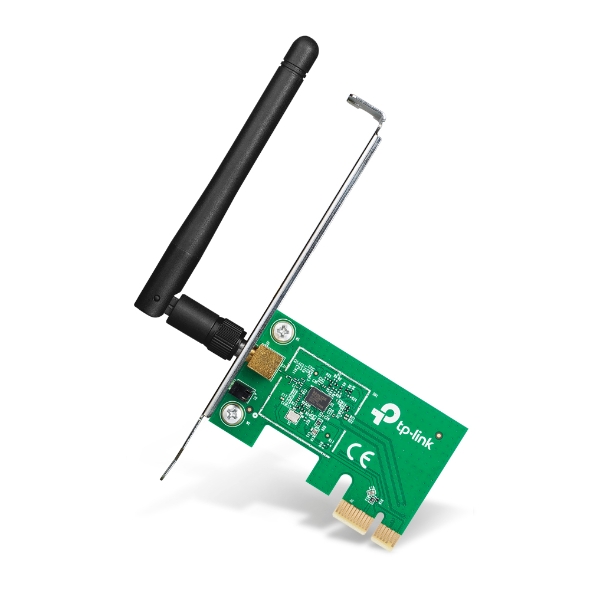
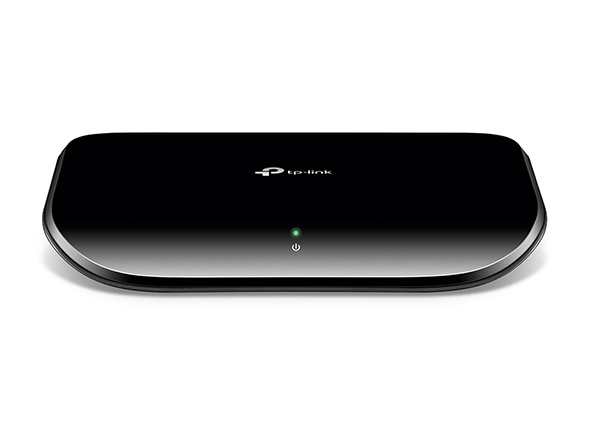
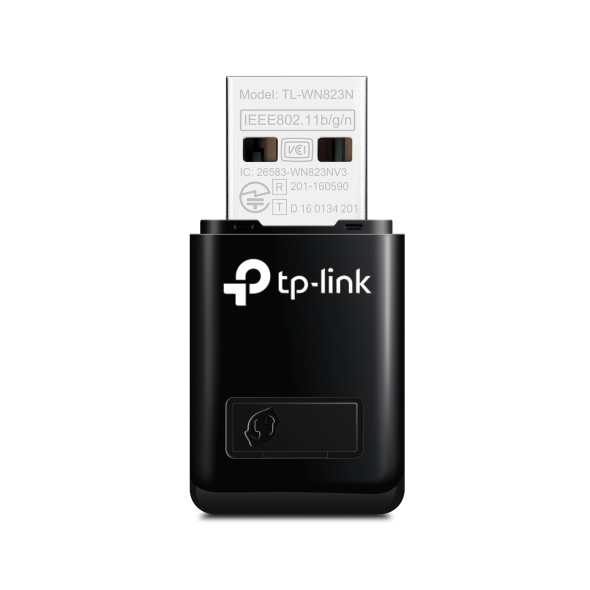
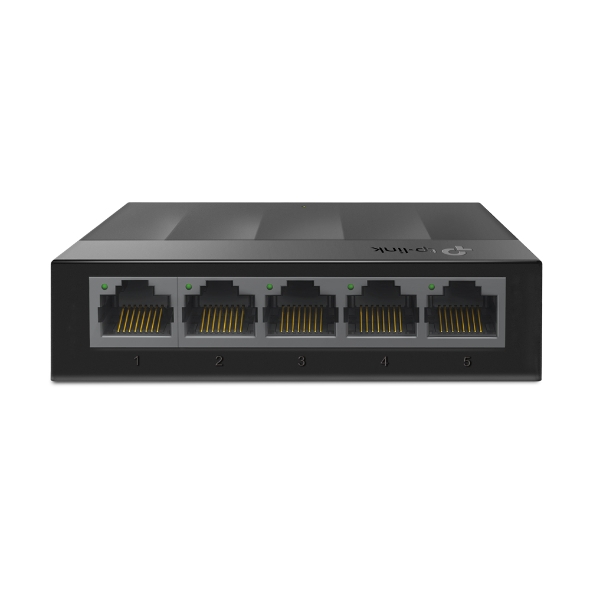

Mercusys
MW301R 300Mbps Kablosuz N Router
- Wi-Fi Hız 300 Mbps
- Router
- Wi-Fi 4
628TL


Fotoğraf: Mercusys
Model kodu: HALO-H90X · Modem ve Ağ
Dual Band WiFi 6 Speeds up to 6000 Mbps – 4804 Mbps on 5 GHz and 1148 Mbps on 2.4 GHz.†
Seamless Roaming with One Unified Network – Halo units work together to automatically switch between Halos as you move around your home with a single unified WiFi name and password.‡
Whole Home Coverage – Blanket up to 6,000 ft² (550 m²) with high-speed WiFi, eliminating WiFi dead zones at your home.†
Connect over 150 Devices – Provide fast and stable connections over 150 devices.†
Easily Manage Your Home Network – Use the MERCUSYS App to quickly set up and manage your WiFi. You can also manage your kids’ online time and contents.
2.5 Gbps Multi-Gig Ports – 1× 2.5 Gpbs and 2× Gigabit ports per Halo unit for lightning-fast wired connections.**
*Please note that the Halo H series and S series cannot work together. watch video: How to Set Up MERCUSYS Whole Home Mesh Wi-Fi System (H90X as an example) How to Set Up MERCUSYS Whole Home Mesh Wi-Fi System (H90X as an example)
Seamless Roaming with One Unified Network
Armed with Wi-Fi 6 , it improves virtually every aspect of your network: speed, efficiency, and support capacity. △
4× Longer OFDM Symbol
Provides increased coverage and makes it 11% faster.
MU-MIMO
Connect more devices simultaneously.
OFDMA
Delivers greater network capacity and efficiency.
160 MHz Channels
Double channel width for faster connections.
BSS Color
Marks frames from neighboring networks to increase efficiency.
1024-QAM
Boosts raw speeds by 25% compared to 256-QAM.
Nothing’s worse than unreliable connections and internet speeds unable to keep up with your digital lifestyle. Halo works as a unified system to guarantee a strong WiFi signal in every corner of your home, providing an incredibly fast and stable network experience. Interruption and buffering will be a thing of the past.†
2 Pack Covers up to: 6000 ft2 / 550m2
3 Pack Covers up to: 8500ft2 / 800m2
The Halo system automatically connects your phones or tablets to the fastest node, delivering a truly seamless network experience. No more sudden signal drops or lagging WiFi when you’re walking around the house. ‡
Powerful Signal Amplifiers
Adopts the well-designed signal amplifiers and receivers to build a strong and stable Wi-Fi signal.
Beamforming
Supports Beamforming technology to concentrate wireless signal strength towards devices.
Self-Healing
Smartly chooses the better route of connection between Halos according to the status of the network to stay online stably.
A 2.5 Gbps port and 2× Gigabit ports allow you to take full advantage of your broadband speed. Plug your PCs, smart TVs, game consoles or NAS devices into the ports for blazing-fast wired connections.
① Multi-Gig Internet Access: ② 2.5 Gbps Wired Connection
Follow the on-screen directions to set up your network.
Step 1
Find what you’ll need in the box
Halo
Power Cable
Ethernet Cable
Step 3
Follow the on-screen directions with the app to configure the main Halo
Step 4
Power up the included add-on unit and it will automatically join the network
Check the Status of Connected Devices
Easily manage your kids’ online time and content to create a safe and healthy online environment.
Create User Profiles
Create a profile for each family member you would like to manage. Assign devices to the profile to set access controls and time limits for them.
Online Time Limits
Set daily limits on how long your kids spend online and prevent them from accessing the internet on their devices for a long time to build a healthy network habit.
Block Inappropriate Websites
Control which sites your kids visit by setting a block list.
Pause Internet Connection
Suspend family members’ internet connections to take a break from the virtual world to enjoy some family time.
Enhanced by WiFi 6, featuring with OFDMA and MU-MIMO technology, Halo H90X allows you to connect over 150 devices. Enjoy a more efficient network that loads faster without dragging down performance. †
Internet: H90X
Router Mode
Creates a wireless network for all your WiFi devices
Internet
Main Router
H90X
Access Point Mode
Extends a wired network and makes it wireless
The Halo Whole Home WiFi kit includes multiple units to fit any type of your house. If that’s not enough, you can expand Mesh WiFi coverage anytime by simply adding more Halos.*
Optional Gigabit Ethernet Backhaul
†Maximum wireless signal rates are the physical rates derived from IEEE Standard 802.11 specifications. Actual wireless data throughput and wireless coverage, and quantity of connected devices are not guaranteed and will vary as a result of network conditions, client limitations, and environmental factors, including building materials, obstacles, volume and density of traffic, and client location.
‡Seamless roaming requires clients to support 802.11k/v/r and may require additional set up. Performance may vary depending on the client device.
△Use of Wi-Fi 6 and other features including OFDMA, MU-MIMO, 1024-QAM, HE160, BSS Color require clients to also support the corresponding features. The 160 MHz bandwidth may be unavailable in the 5 GHz band in some regions/countries due to regulatory restrictions. This product may not support all the mandatory features of IEEE 802.11AX specifications. Further software upgrades for feature availability may be required.
§Use of WPA3 requires clients to also support WPA3.
*Please note that the Halo H series and S series cannot work together. Halo H90X is compatible with other units from the Halo H series to form a Mesh network. **All WAN/LAN ports will operate as either WAN or LAN ports. 2.5 Gbps internet speeds require compatible service plans and equipment. 2.5 Gbps and Gigabit ports cannot be concurrently configured as WAN ports. Actual network speed may be limited by the rate of the product's Ethernet WAN or LAN port, the rate supported by the network cable, Internet service provider factors and other environmental conditions.
Hangi Modellerin Uyumlu Olduğunu Öğrenin
MERCUSYS uygulaması, iOS veya Android cihazlarınız üzerinden sadece birkaç dakika içinde kurulum yapmanıza ve Wi-Fi ağınızı yönetmenize olanak tanıyan en basit çözümü sunar.
Herhangi bir teknik bilgiye sahip olmadan veya karmaşık talimatları okumadan, sadece uygulama içi talimatları izleyin. Mesh ağınızı dakikalar içinde kurun.
Halo
Güç Kablosu
Ethernet Kablosu
Adım 1
Kutuda Neye İhtiyacınız Olduğunu Bulun
Adım 2: Cihazlarınızı Prize Takın
Adım 3
MERCUSYS Uygulaması ile Ekrandaki Talimatları İzleyin
MERCUSYS uygulaması ile canlı ağ yönetimini deneyimleyin. Ağınıza kimlerin bağlandığını görün ve iOS veya Android cihazlarınızla istediğiniz zaman yönetin.
Uyarı: Farklı modellerin yapılandırma sayfası farklı olabilir, lütfen doğru model olana bakın.
Güvenli ve sağlıklı bir çevrimiçi ortam oluşturmak için çocuklarınızın çevrimiçi zamanını ve içeriğini kolayca yönetin.
Kullanıcı Profilleri Oluşturma
Yönetmek istediğiniz her aile üyesi için bir profil oluşturun. Erişim kontrollerini ve zaman sınırlarını ayarlamak için profile cihazlar atayın.
Çevrimiçi Zaman Kısıtlamaları
Sağlıklı bir ağ alışkanlığı oluşturmak için çocuklarınızın çevrimiçi ortamda geçirdikleri süreye günlük sınırlar koyun ve cihazlarından uzun süre internete erişmelerini engelleyin.
Uygunsuz Web Sitelerini Engelleyin
Bir engelleme listesi belirleyerek çocuklarınızın hangi siteleri ziyaret ettiğini kontrol edin.
İnternet Bağlantısını Duraklatın
Sanal dünyaya ara verip ailece vakit geçirmek için aile üyelerinin internet bağlantılarını askıya alın.
MERCUSYS uygulaması, iOS veya Android cihazlarınız aracılığıyla Wi-Fi'ınızı evde veya dışarıda yönetmenize yardımcı olur.
Bağlı Cihazların Durumunu Kontrol Edin
Halo ağınızın çalışma durumunu sezgisel olarak görüntüleyin ve nelerin bağlı olduğunu görün. Cihazları gerektiği gibi önceliklendirin veya engelleyin.
Hizmet Kalitesi (QoS)
Daha iyi performans göstermesi için seçtiğiniz cihazlara öncelik verir.
Yeni Cihaz Erişim Uyarısı
MERCUSYS uygulaması, tanımadığınız bir cihaz bağlandığında sizi bilgilendirmek için proaktif olarak bir uyarı gönderir. Güvenlik riski oluşturuyorsa cihazı engellemek için dokunun.
Bir Misafir Ağı Kurun
Güvenliğinizi ve gizliliğinizi sağlamak için misafirler için ayrı bir ağ sağlar.
İster çok çeşitli MERCUSYS yönlendiricileri, genişleticileri veya Halo mesh sistemlerini kontrol etmek istiyor olun, hepsini uygulamada bulabilirsiniz.
Not: Cihazın aygıt yazılımının en son sürüm olması gerekir. Aygıt yazılımınızı nasıl yükselteceğinizi öğrenmek için buraya tıklayın.
Not: Bu modellerin hem listelenen hem de daha yüksek donanım sürümleri MERCUSYS uygulaması ile uyumludur.
Halo Mesh
Halo H50G V1
AC1900 Whole Home Mesh Wi-Fi System
Halo H30G V1
AC1300 Whole Home Mesh Wi-Fi System
Halo H80X V1
AX3000 Whole Home Mesh WiFi 6 System
Halo H70X V1
AX1800 Whole Home Mesh WiFi 6 System
Halo H30 V1
AC1200 Whole Home Mesh Wi-Fi System
Halo H90X V1
AX6000 Whole Home Mesh Wi-Fi System
Wi-Fi Routerlar
MR70X V1
AX1800 Dual Band Wi-Fi 6 Router
MR80X V1
AX3000 Dual-Band Wi-Fi 6 Router
MR50G V1
AC1900 Wireless Dual Band Gigabit Router
AC12G V2
AC1300 Wireless Dual Band Gigabit Router
MR30G V1
AC1200 Wireless Dual Band Gigabit Router
MR1200G V1
AC1200 Wireless Dual Band Gigabit Router
MR1900G V1
AC1200 Wireless Dual Band Gigabit Router
MR1800X V1
AX1800 Dual-Band WiFi 6 Router
MR90X V1
AX6000 8-Stream Wi-Fi 6 Router
MR60X V2: AX1500 Wi-Fi 6 Router
AC12 V3
AC1200 Dual Band Wireless Router
AC10 V1
AC1200 Wireless Dual Band Router
MW325R V3
300Mbps Enhanced Wireless N Router
MW305R V3: 300Mbps Wireless N Router
MW301R V3: 300Mbps Wireless N Router
Range Extenderlar
ME70X V1: AX1800 Wi-Fi 6 Range Extender
ME50G V1: AC1900 Wi-Fi Range Extender
ME30 V1: AC1200 Wi-Fi Range Extender
MW300RE V4: 300Mbps Wi-Fi Range Extender
MERCUSYS uygulaması 26 dile kadar destek vererek dünyanın her yerindeki kullanıcılar için kolay ağ yönetimi sağlar.
Wi-Fi 6
IEEE 802.11ax/ac/n/a 5 GHz
IEEE 802.11ax/n/b/g 2.4 GHz
4804 Mbps on 5 GHz, 1148 Mbps on 2.4 GHz
2.4GHz:
11g 6Mbps:-96dBm
11g 54Mbps:-78dBm
11ax HE20 MCS11:-66dBm
11ax HE40 MCS11:-62.5dBm
5GHz:
11a 6Mbps:-94.5dBm
11a 54Mbps:-77dBm
11ac VHT20 MCS8:-72.5dBm
11ax HE80 MCS11:-59dBm
11ax HE160 MCS11:-55dBm
2.4 GHz < 20dBm (EIRP)
5 GHz < 23dBm (EIRP)
Dynamic IP/Static IP/PPPoE/L2TP/PPTP
Local Management, Remote Management, Multi-Managers
2.4 GHz Guest Network,
5 GHz Guest Network
5.9 × 3.7 × 3.4 in(150 × 94 × 86.7 mm))
1× 2.5 Gbps Port + 2× Gigabit Ports (WAN/LAN auto-sensing)
3× Halo H90X Units
1× RJ45 Ethernet Cable
3× Power Adapters
Quick Installation Guide
2× Halo H90X Units
1× RJ45 Ethernet Cable
2× Power Adapters
Quick Installation Guide
Operating Temperature: 0°C~40°C (32°F~104°F)
Operating Humidity: 10%~90% Non-Condensing
Storage Humidity: 5%~90% Non-Condensing
Metin ve görseller üreticinin sitesinden birebir · Mercusys'daki ürün sayfası: https://www.mercusys.com/tr/product/details/halo-h90x/
Kaynak: Mercusys ürün sayfası; tablo üreticiye aittir, olduğu gibi aktarılmıştır.
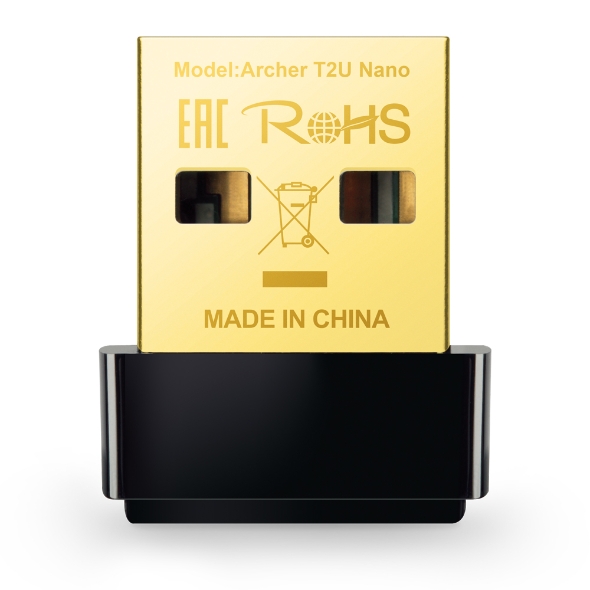
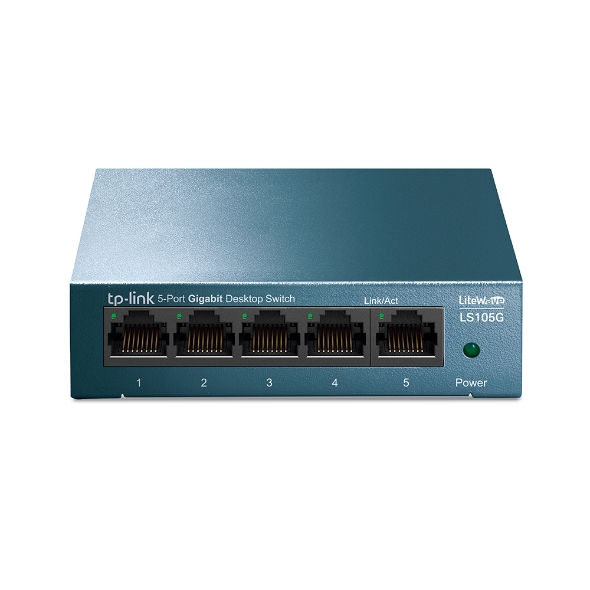
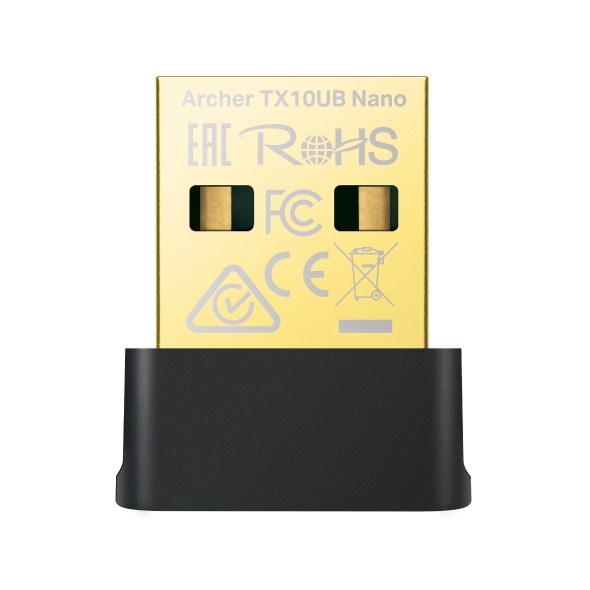
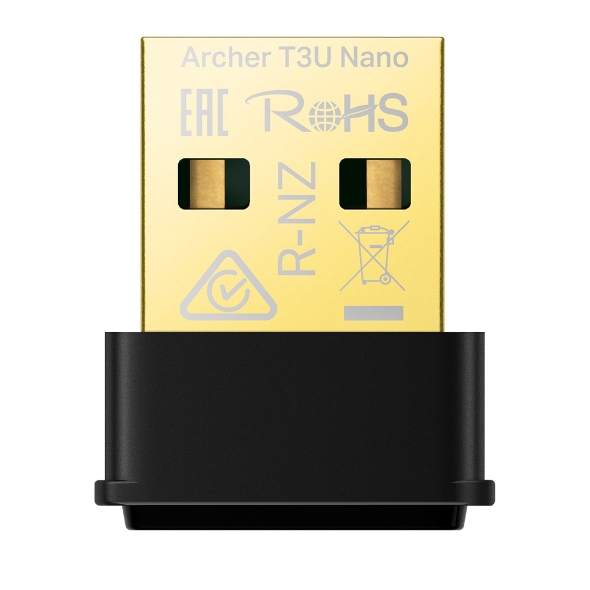
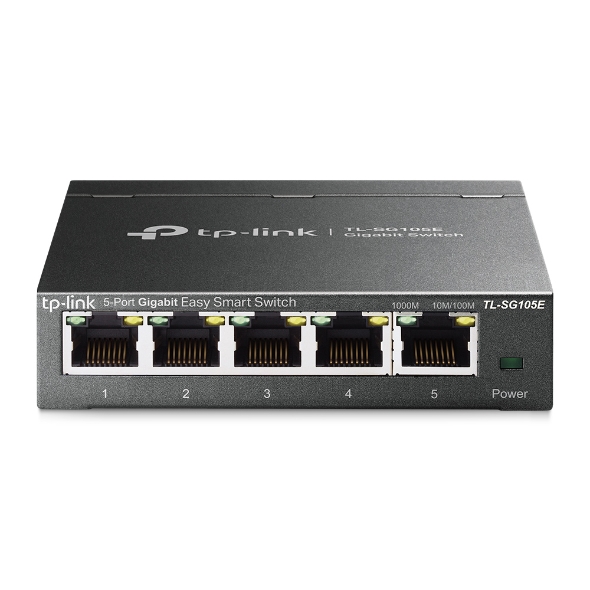
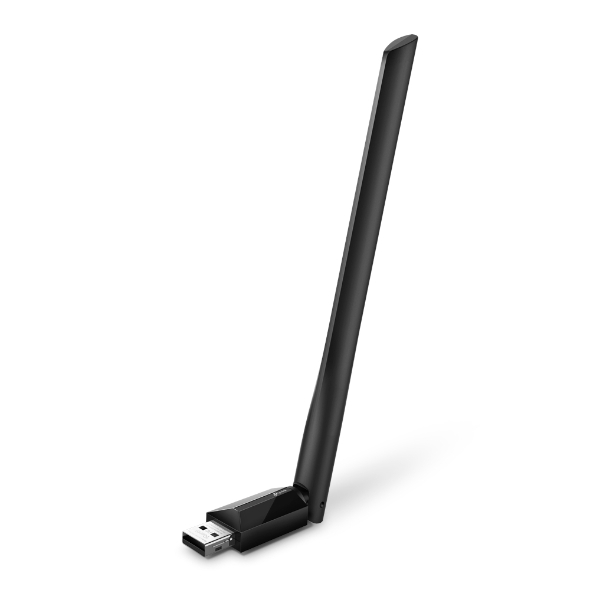
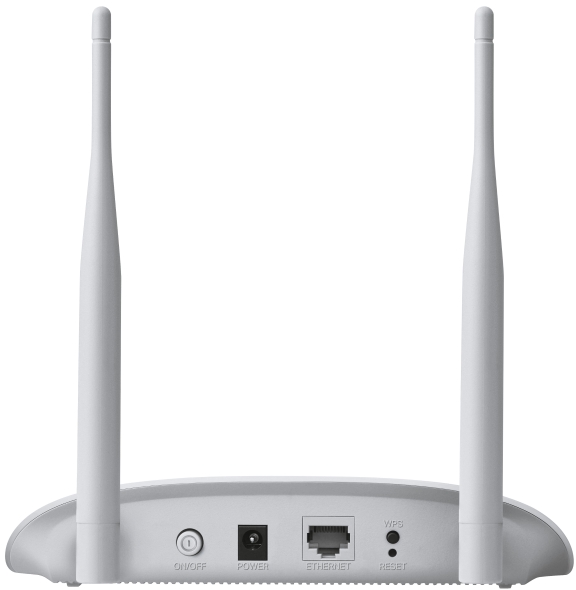
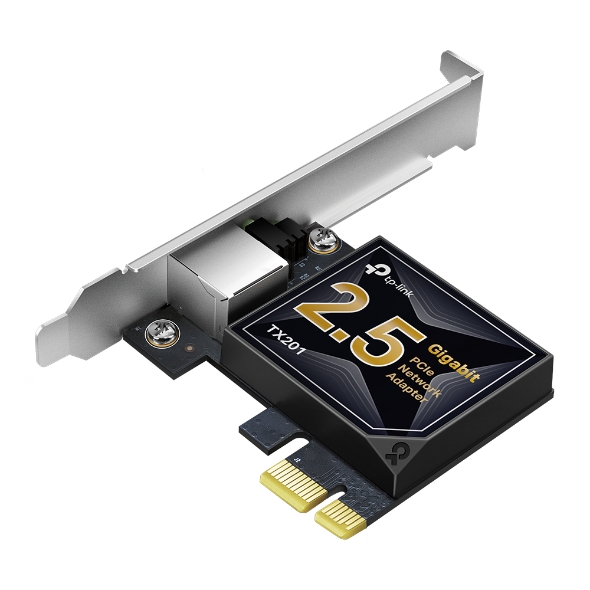
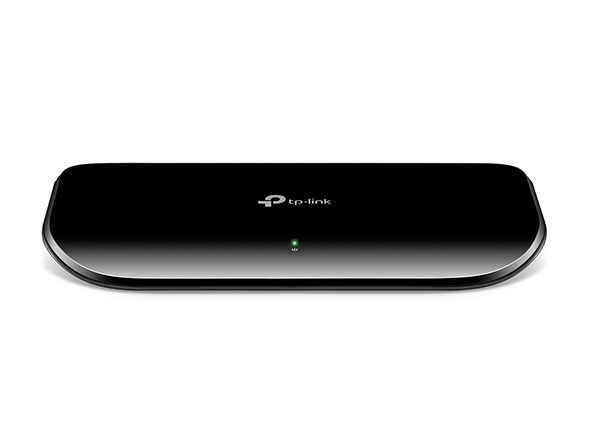
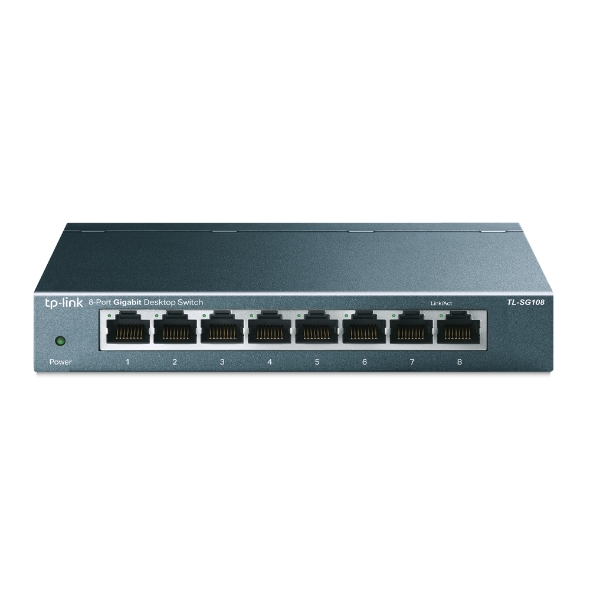
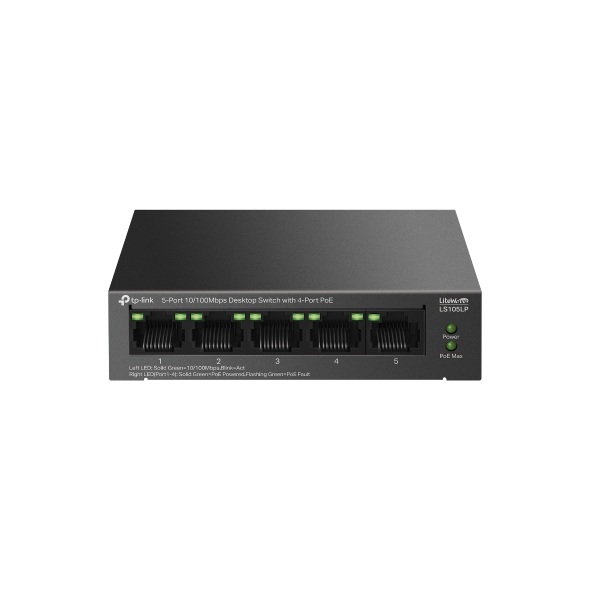
Mercusys markasının bu kategoride fiyatı listelenen 2 modeli var; kategorideki fiyatlı modellerin %4'ü bu markanın.
Özellikçe en yakın modeller: Mercusys MW150US N150 Wireless Nano USB Adaptör, TP-Link TL-WN727N 150Mbps Kablosuz N USB Adaptör ve TP-Link TL-WN725N 150Mbps Kablosuz N Nano USB Adaptör.
Üretici bölümlerindeki metin ve görseller Mercusys markasına aittir; değiştirilmeden, kaynağı gösterilerek yayınlanır. Fiyatlar mağazalardan günlük toplanır; satın almadan önce satıcı sitesinde kontrol edin.