
TP-Link
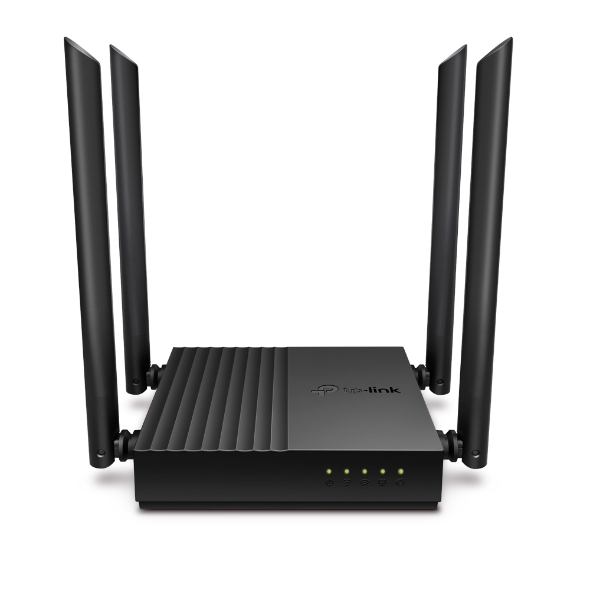
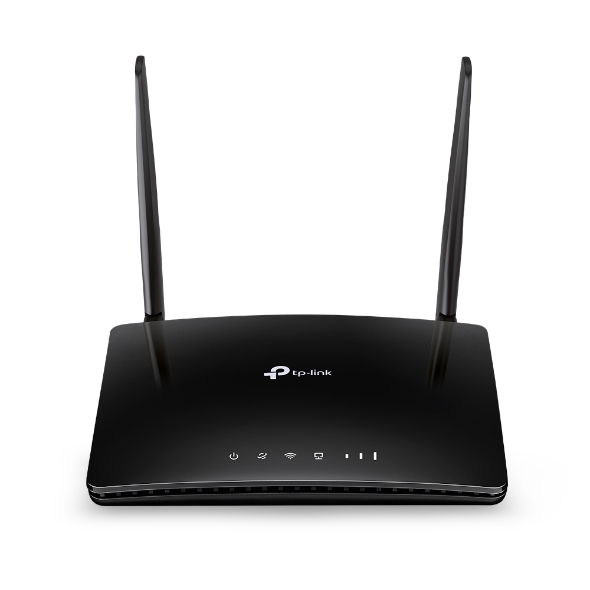
Archer MR400 AC1200 Wireless Dual Band 4G LTE Router
- Wi-Fi Hız 1.200 Mbps
- 4G/5G Router
- Wi-Fi 5
4.008TL

Fotoğraf: TP-Link
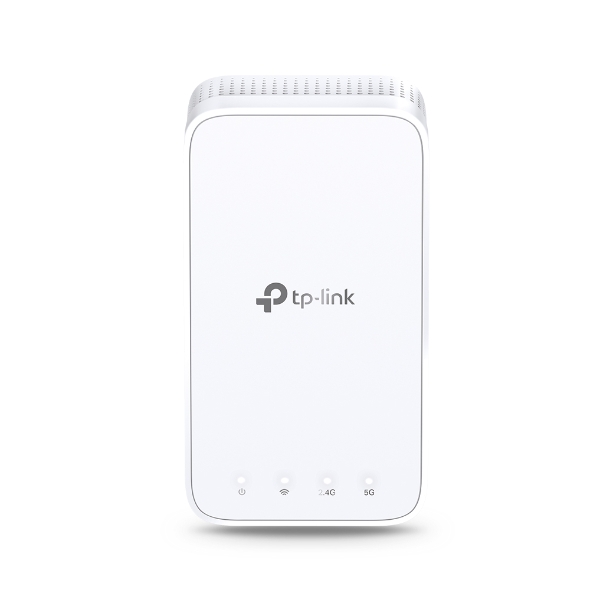
Model kodu: RE230 · Modem ve Ağ
Boost Wi-Fi Coverage - Eliminate Wi-Fi dead zones with powerful Wi-Fi.
AC750 Dual-Band Wi-Fi - Simultaneous 300 Mbps on 2.4GHz + 433 Mbps on 5GHz
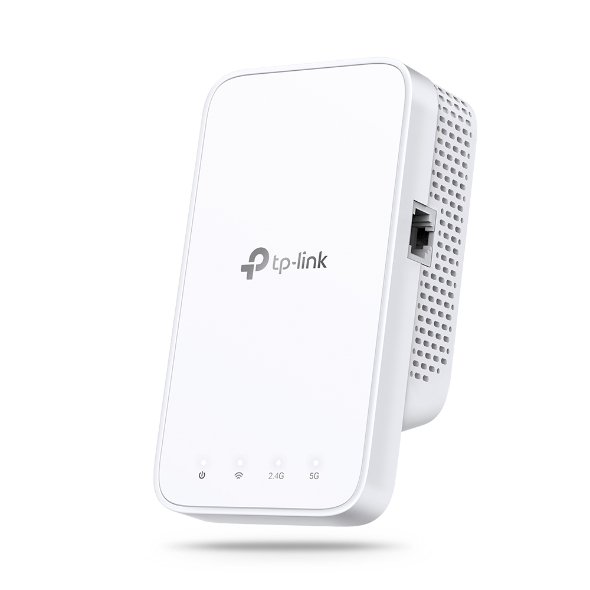
Fast Ethernet port - Act as a wireless adapter to connect a wired device to your network
Intelligent Signal Light - Help to find the best location for optimal Wi-Fi coverage by showing the signal strength
AP Mode - Create a new Wi-Fi access point to enhance your wired network with Wi-Fi capability
TP-Link Tether App - Easily access and manage your network using any iOS or Android mobile device
Ultimate Compatibility - Extend the range of any Wi-Fi router or wireless access point
AC750 Mesh Wi-Fi Range Extender
Can’t get Wi-Fi in your
bedroom?
Add a Wi-Fi Range
Extender
Lose connection while
walking around the house?
OneMesh™ with
Smart Roaming
Network buffering
all the time?
AC1200 Dual
Band Speed
Network setup too
complicated?
Easy Setup with
Only Two Steps
RE230 wirelessly connects to your Wi-Fi router, strengthening and expanding its signal into areas it can’t reach on its own. With speeds of up to 300 Mbps on 2.4 GHz and 433 Mbps on 5 GHz, put strong, fast Wi-Fi in every room and say goodbye to dead zones.
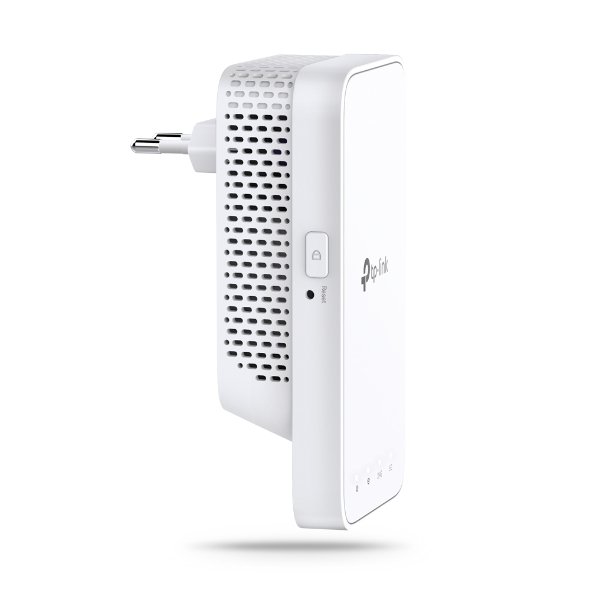
Range Extender with Built-In AC Plug
OneMesh™ is a simple way to form a Mesh network with a single Wi-Fi name for seamless whole-home coverage. Just connect a OneMesh™ range extender to a OneMesh™ router. No more searching around for a stable connection.
Smart Roaming
Uninterrupted streaming when moving around your home Extender
One Wi-Fi Name
No more switching Wi-Fi network names
Easy Creation
OneMesh™ Router + OneMesh™ Range Extender
Unified Management
Manage the whole unified network all in one Tether app
Traditional Router with Extender
OneMesh Router + Range Extender
Want a Mesh network? Hesitate on whether to replace your existing router and buy a Mesh set?
TP-Link OneMesh™ resolves your dilemma.
①
Update your existing TP-Link router’s firmware to OneMesh version—no need to replace it.
②
Connect the RE230 to the router.
Check whether your existing router supports OneMesh >>
Your Existing Router Like Archer C7 (V4.0 or above)
Step 1: Simply press the WPS button on your router and, within 2 minutes, the WPS button on RE230 to connect to the network.
Step 2: Once connected, place RE230 to the best location—without reconfiguration.
Notes: Please connect the extender to the router via the Tether app or Web UI if your router doesn’t support WPS.
The smart signal indicator lets you see signal strength from the existing router at a glance. Easily to find the best place to position your range extender to extend your Wi-Fi.
(Too far away from the router)
Set up and manage your Wi-Fi through the TP-Link Tether app from your smartphone (Android, iOS), including TP-Link routers and range extenders.
Ek sürüm bilgisi için lütfen destek sayfasına gidin.
Maximum wireless signal rates are the physical rates derived from IEEE Standard 802.11 specifications. Actual wireless data throughput and wireless coverage are not guaranteed and will vary as a result of 1) environmental factors, including building materials, physical objects, and obstacles, 2) network conditions, including local interference, volume and density of traffic, product location, network complexity, and network overhead, and 3) client limitations, including rated performance, location, connection quality, and client condition.
The product may not be compatible with routers or gateways with firmware that has been altered, is based on open source programs, or is non-standard or outdated.
Metin ve görseller üreticinin sitesinden birebir · TP-Link'daki ürün sayfası: https://www.tp-link.com/tr/home-networking/range-extender/re230/
Kaynak: TP-Link ürün sayfası; tablo üreticiye aittir, olduğu gibi aktarılmıştır.
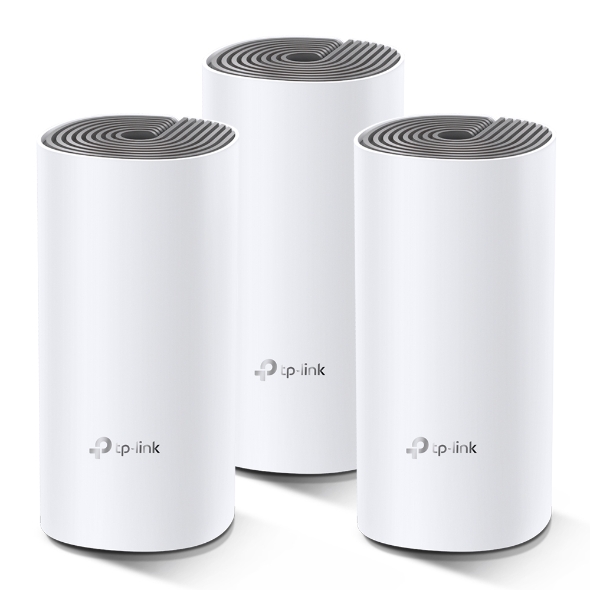
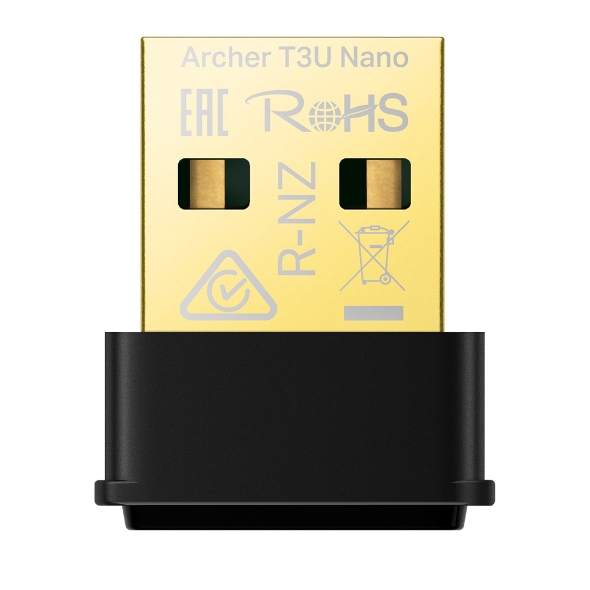
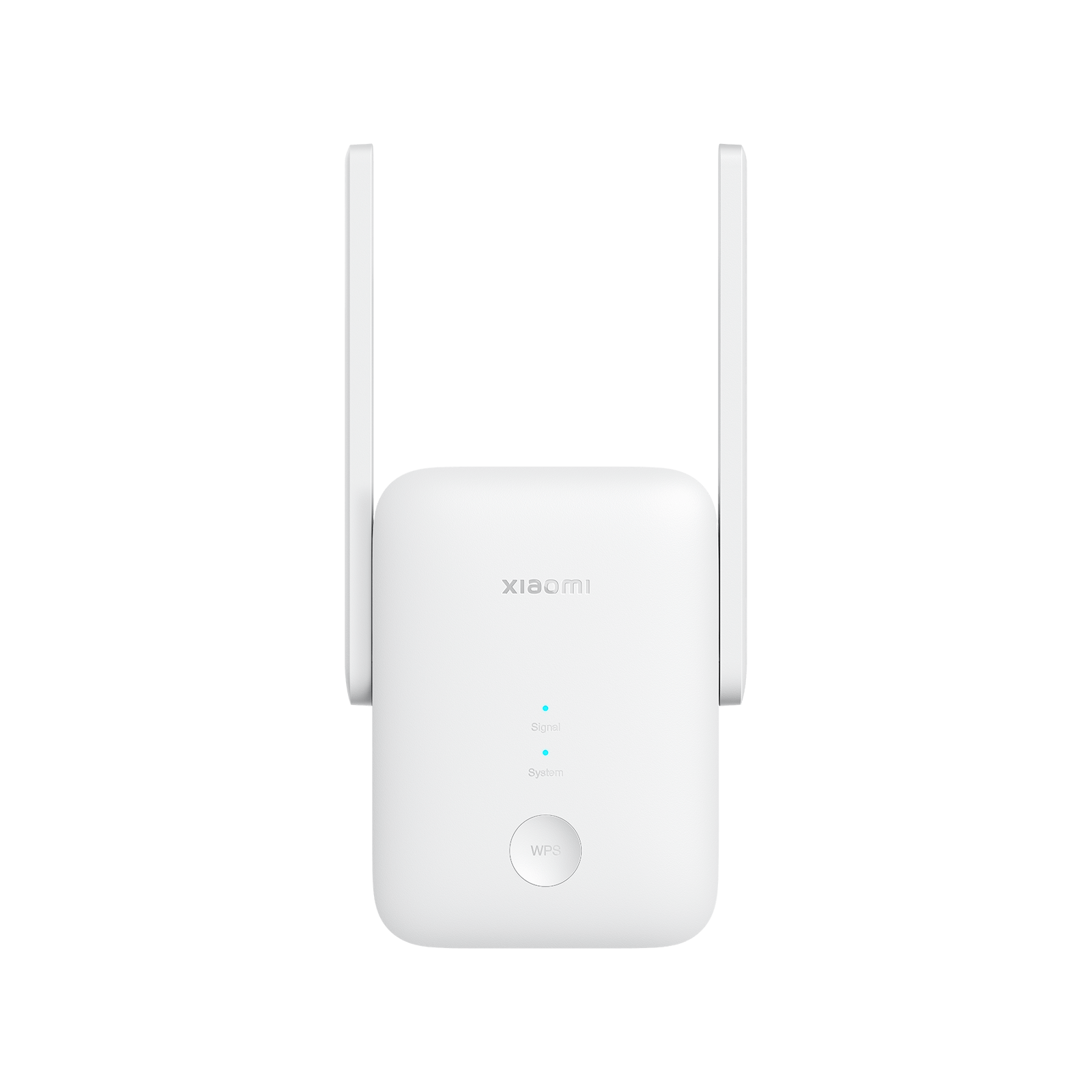
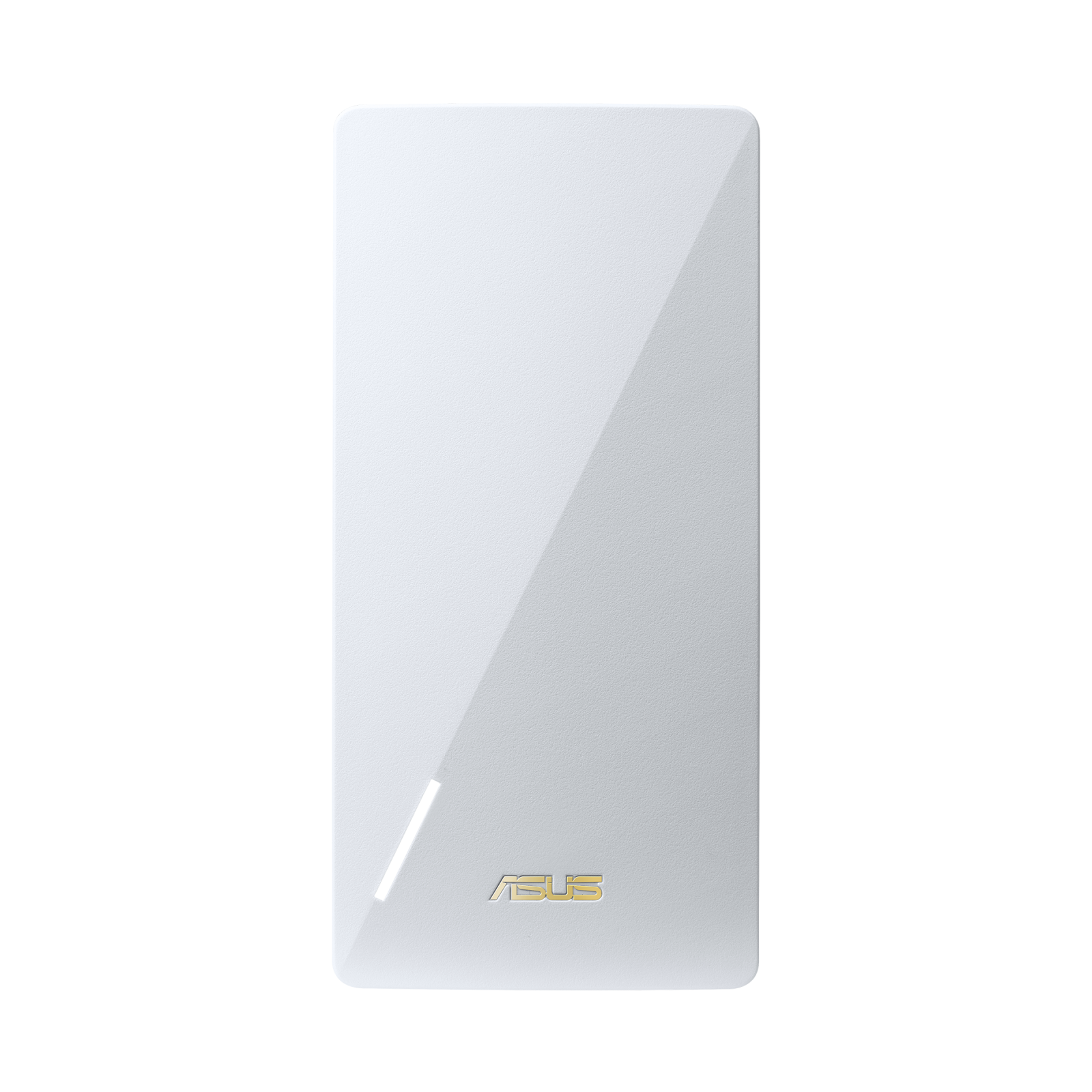
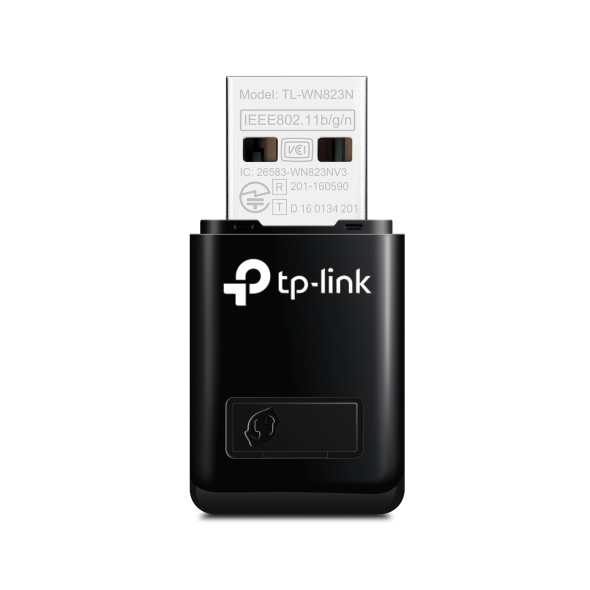

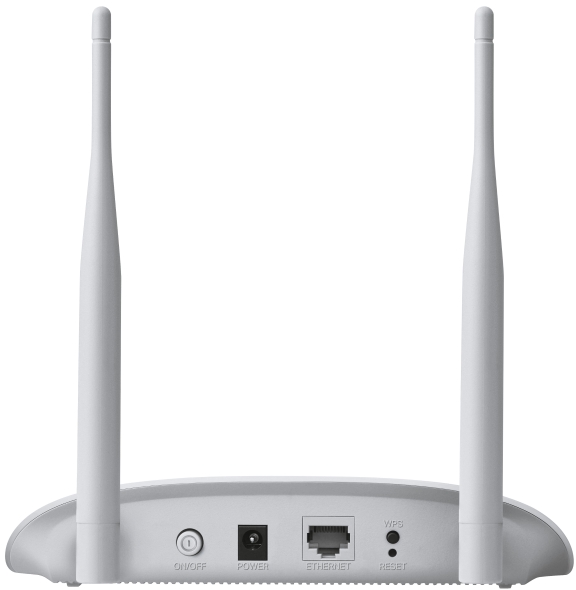
Wi-Fi Hız Sınıfı 750 Mbps ile kategorinin en düşük %37'sinde. TP-Link markasının bu kategoride fiyatı listelenen 46 modeli var; kategorideki fiyatlı modellerin %85'i bu markanın.
Özellikçe en yakın modeller: TP-Link Archer C24 AC750 Dual-Band Wi-Fi Router, TP-Link Archer T2U NANO AC600 Nano Wireless USB Adaptör ve TP-Link Archer T2U PLUS AC600 Yüksek Kazançlı Wireless Dual Bant USB Adaptör.
Üretici bölümlerindeki metin ve görseller TP-Link markasına aittir; değiştirilmeden, kaynağı gösterilerek yayınlanır. Fiyatlar mağazalardan günlük toplanır; satın almadan önce satıcı sitesinde kontrol edin.