
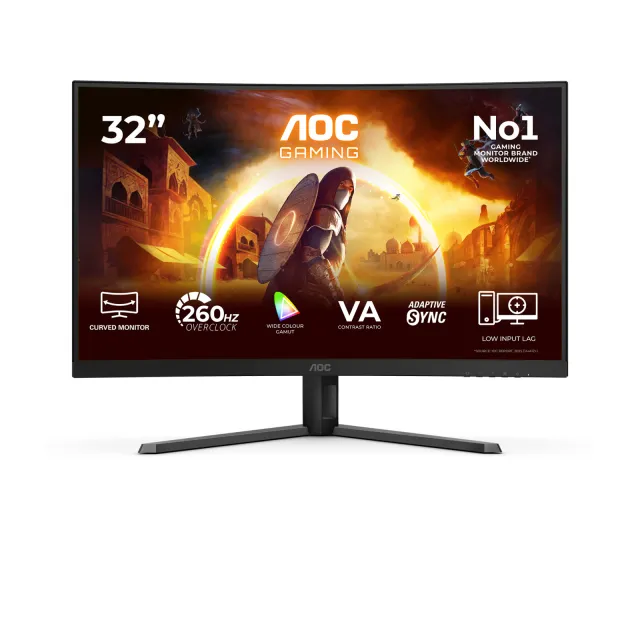
AOC
C32G42ZE
- Ekran 31,5 inç
- FHD
- Yenileme 260 Hz
- VA
Üreticide satışta
Endeks 56 / 100
11.599TL

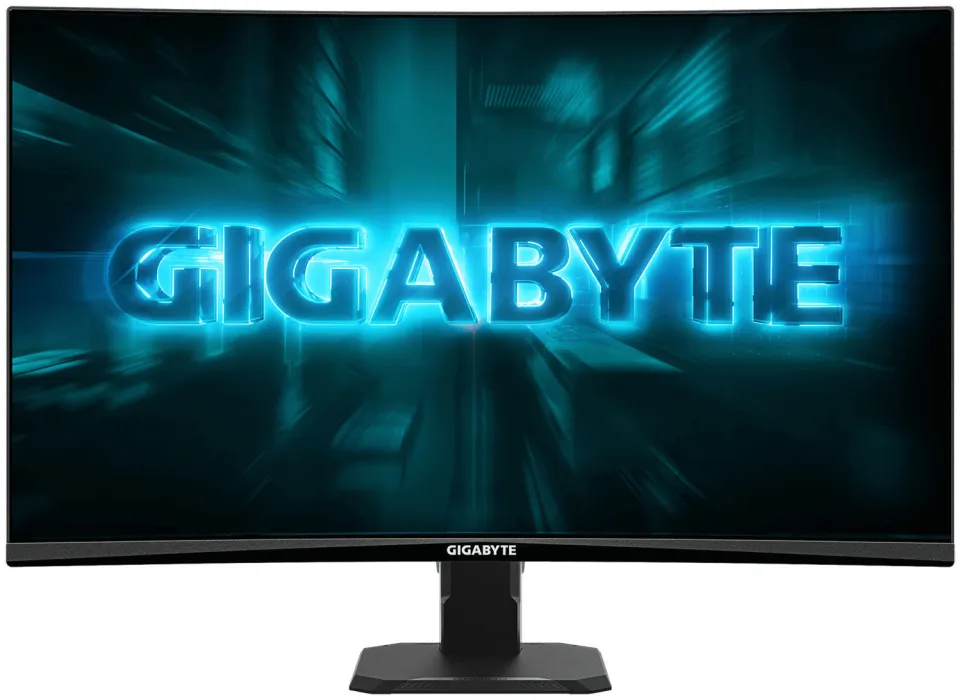
Model kodu: GS27FCA · Monitör
As an unseen player, monitor is often being underestimated. The truth is monitors
form as a synergistic effect and bring out the best performance of PC
components. GIGABYTE gaming monitors offer the ultimate specifications and
quality, users can truly enjoy upscale performance without the need for
extravagance.
Support Adaptive-Sync Technology
High resolution and fast refresh rate, giving you the detailed
display quality and fluid gaming experience!
Super fast 1ms MPRT Response Time for the most smooth gaming
experience ever!
Fantastic color display and 108% sRGB wide-gamut color
The streamline appearance represents the simplicity of the GIGABYTE gaming series
design philosophy, sturdy stand and matte finish built for functional and
aesthetic features adding more to the characteristics.
Smart OD intelligently detects the screen’s refresh rate and dynamicially adjusts the optimal overdrive level. It automatically reduces ghosting and white trails, delivering sharper visuals and smoother motion.
Black Equalizer enhances the details in dark areas, allowing you to spot hidden enemies with ease.
Onscreen timer will assist you on tracking the elapsed game time.
This feature will allow you to turn on crosshairs that helps improve your aim in the shooting game.
Aim Stabilizer minimizes motion blur during fast action for clearer visuals and faster gaming response.
GIGABYTE OSD Sidekick (integrated in GIGABYTE Control Center) allows you to set the display options with keyboard and mouse, giving you the easiest way to adjust monitor settings.
Eyesafe® certified 2.0 reduces high-energy blue light while maintaining color performance.
Preventing eye strain and fatigue.
Certified by TÜV Rheinland for eye health protection.
All the performance test conducted by by GIGABYTE LAB may change due to differences
in
systems, specifications or testing environments, please refer to the actual
situation.
* HDMI, HDMI High-Definition Multimedia Interface terimleri, HDMI Ticari takdim
şekli ve HDMI Logoları HDMI Licensing Administrator, Inc.’nin ticari markaları veya
tescilli ticari markalarıdır.
* Product specifications and product appearance may differ from country to country. We recommend that you check with your local dealers for the specifications and appearance of the products available in your country. Colors of products may not be perfectly accurate due to variations caused by photographic variables and monitor settings so it may vary from images shown on this site. Although we endeavor to present the most accurate and comprehensive information at the time of publication, we reserve the right to make changes without prior notice.
* Burada sağlanan tüm materyaller yalnızca referans içindir. GIGABYTE ürün teknik özelliklerinde ve ürün ile ilgili bilgilerde haber vermeden önce değişiklik yapma hakkını saklı tutar.
* Belirtilen performans, ara yüz özelliklerini belirleyen yonga seti üreticilerinden veya kurumlarından alınan maksimum teorik ara yüz değerlerine dayanır. Gerçek performans sistem üzerinde kullanılan bileşenlere göre değişkenlik gösterebilir.
* Tüm ticari markalar ve logolar, kendi sahiplerinin mülkiyetindedir.
* Standart PC mimarisi sınırlamaları nedeniyle, bellek miktarının bir kısmı sistem kullanımı için ayrılır ve gerçek bellek boyutu olması gerekenden daha az gösterilir.
Metin ve görseller üreticinin sitesinden birebir · Gigabyte'daki ürün sayfası: https://www.gigabyte.com/tr/Monitor/GS27FCA
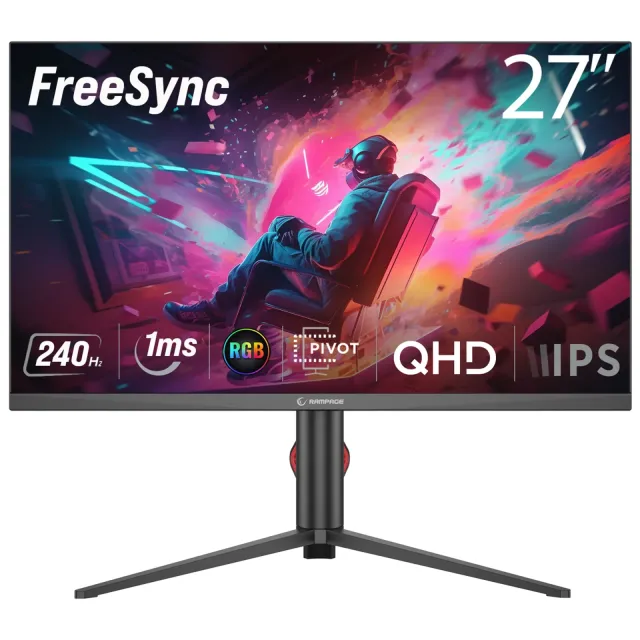
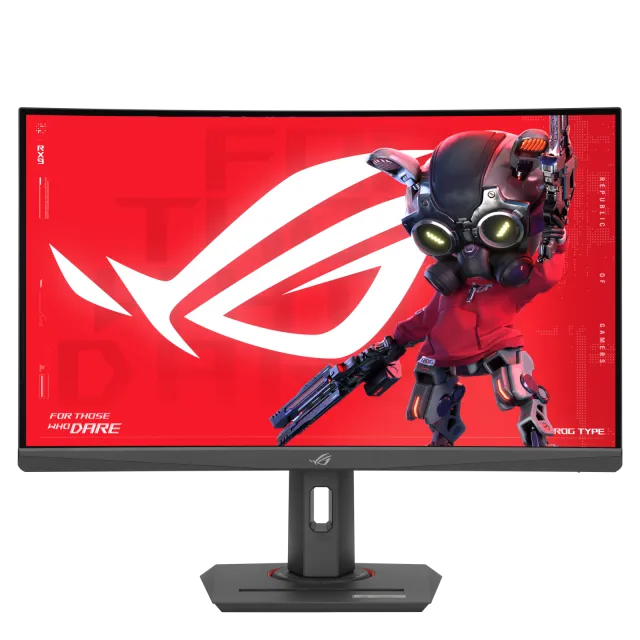




Gigabyte markasının bu kategoride fiyatı listelenen 69 modeli var; kategorideki fiyatlı modellerin %3'ü bu markanın.
Özellikçe en yakın modeller: Sensei HS195 19.5" 60Hz 5Ms VGA+HDMI HD+ VA Vesa Monitör, Ezcool Corp EZC24 ve upTech 15,6″ Taşınabilir Hoparlörlü Monitör Full HD IPS 75 Hz 5 ms USB-C Mini HDMI.
Üretici bölümlerindeki metin ve görseller Gigabyte markasına aittir; değiştirilmeden, kaynağı gösterilerek yayınlanır. Fiyatlar mağazalardan günlük toplanır; satın almadan önce satıcı sitesinde kontrol edin.