
AOC
U27G4XM
- Ekran 27 inç
- 4K UHD
- Yenileme 160 Hz
- IPS
Üreticide satışta
Endeks 69 / 100
26.199TL

Model kodu: M28UAE · Monitör
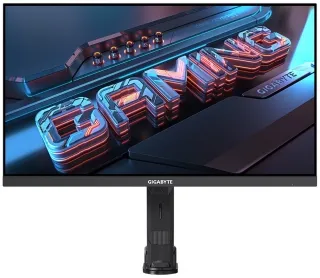
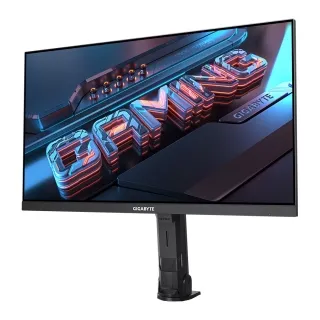
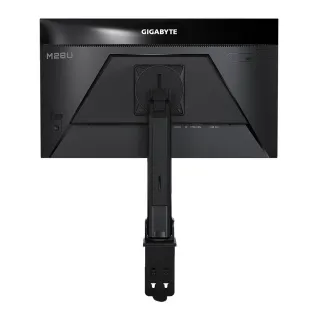
The 4K pro gaming experience is now lifted to a whole new level by the Arm Edition of the well-acclaimed GIGABYTE M28U gaming monitor. GIGABYTE M28U Arm Edition introduces an ergonomic monitor arm that adapts to every desktop scenario. From PC gaming, console gaming, to even streaming media. Equipped with the SuperSpeed IPS panel, GIGABYTE M28U Arm Edition delivers a fluid 144hz frame rate at 1ms response time and presents an outstanding color accuracy with 8-bit color depth plus 94% DCI-P3 wide color gamut. Here comes the best realization of true 4K entertainment.
Ergonomic: Monitor Arm
Adaptive: 4K Entertainment
UHD: 4K Resolution
HDMI 2.1: VRR & ALLM
KVM: One for All
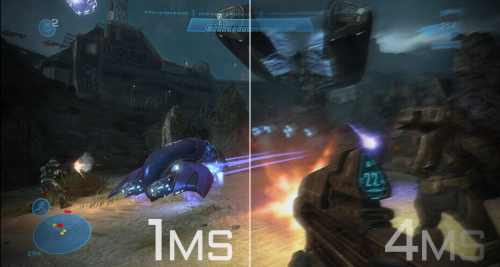
The SuperSpeed IPS technology reduces the response time to 1ms; meanwhile offering the IPS-grade splendid color!

High resolution and fast refresh rate, giving you the detailed display quality and fluid gaming experience!

Fantastic color display and 94% DCI-P3 super wide-gamut color.

The newest HDMI 2.1 can improve your gaming experience by providing a higher bandwidth of 4K@144Hz that supports the next-gen consoles, offering a competitive advantage on a range of games from adventure to shooters.

KVM feature allows you to control multiple devices via one set of keyboard, video and mouse. With our exclusive KVM button, you’ll find switching devices cannot be any easier! Quick like a snap!
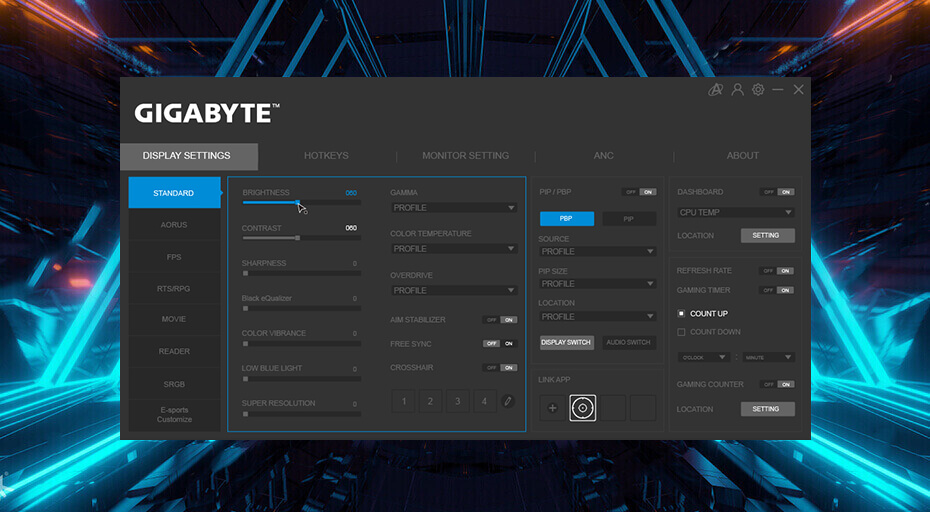
GIGABYTE OSD Sidekick allows you to set the display options with keyboard and mouse, giving you the easiest way to adjust monitor settings.
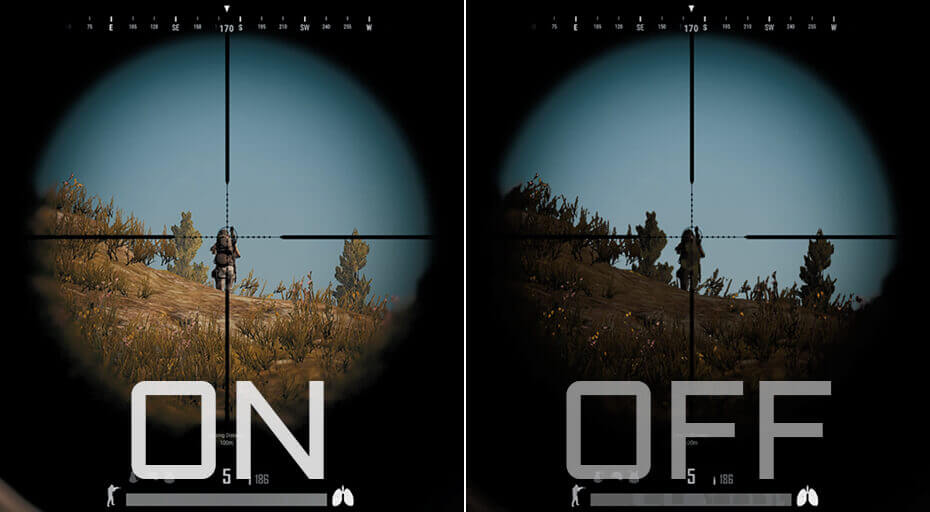
The Black Equalizer deepens the details of the dark side on the scene without affecting other display areas. Enabling this feature to reveal all of your hidden enemies!
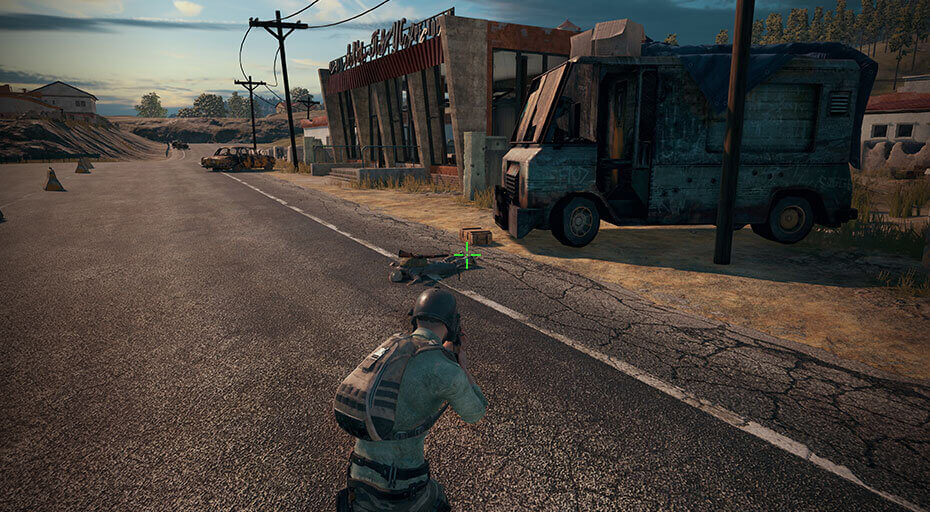
It equips you extra power to win at battlefields: customizable crosshairs, onscreen timer/counter, PIP/PBP, HDR Mode etc. Whatever you need, you name it, GIGABYTE offers it!
This feature will allow you to customize crosshairs that helps improve your aim in the shooting game.
Onscreen timer will assist you on tracking the elapsed game time.
The gaming counter will help you calculate the time more easily.
The PIP and PBP functions allow users to view different video sources which are presented in one screen at the same time, you are able to watch the game guides at the same time using only one monitor!
The latest upgrade allows you to reduce motion blur and enable V-Sync technology at the same time!
Besides default HDR settings, now you get to enjoy game and movie mode and even create your settings! Moreover, it supports HLG (Hybrid Log-Gamma), allowing you to truly enjoy the content originally created by broadcasting platform such as BBC iPlayer, NHK TV etc.
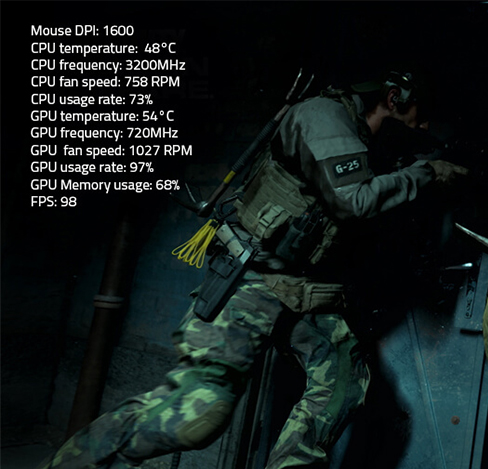
The Dashboard shows you critical hardware information in real-time. No matter what kinds of scenario, it won't be blocked by any game. It's even customizable that you get to choose to show the info that matters to you most!
Users can effortlessly enjoy the finest gaming experience with features GIGABYTE continues to develop and upgrade while giving extra protection to your monitor.
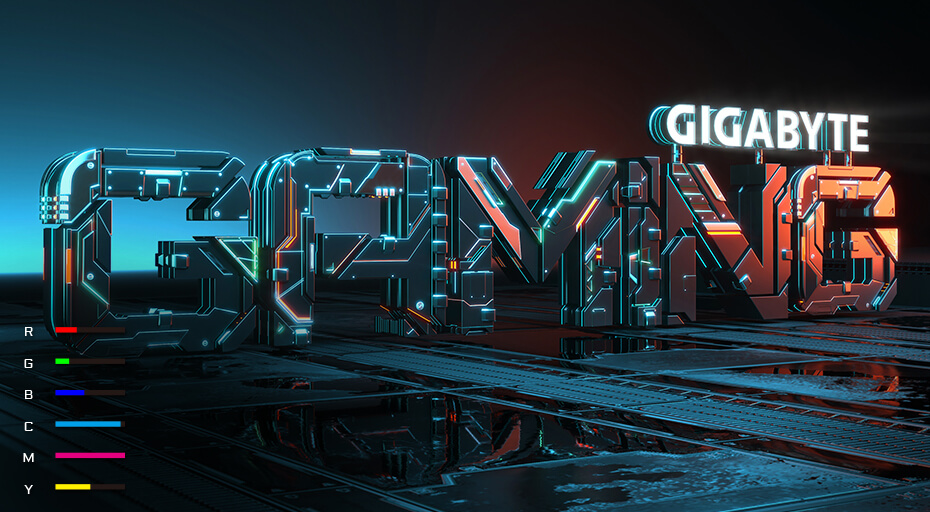
This feature allows you to adjust six colors (red, green, blue, cyan, magenta, and yellow) individually to more accurately display the color gamut on the monitor.

The streamline appearance represents the simplicity of the GIGABYTE Gaming series design philosophy, sturdy stand and matte finish built for functional and aesthetic features adding more to the characteristics.
Pull in for greater visual advantage in Gaming.
Push back for better sensational experience in Entertainment.
Advantage within your arm's reach!
Preventing eye strain and fatigue.
Offering the quality sound experience.
Certified by TÜV Rheinland and Eyesafe® association to meet the standard for color balance and blue light reduction.
GIGABYTE Arm Edition features an exclusive arm that's ergonomically designed to offer extensive range of height and tilt adjustments.
Forward Extension: 230mm
Height Adjustment: 208mm
Swivel: -270°~+270°
Tilt: -5°~+25°
Pivot: 90°
* All the images in this page are for illustration only.
* HDMI, HDMI High-Definition Multimedia Interface terimleri, HDMI Ticari takdim
şekli ve HDMI Logoları HDMI Licensing Administrator, Inc.’nin ticari markaları veya
tescilli ticari markalarıdır.
* Product specifications and product appearance may differ from country to country. We recommend that you check with your local dealers for the specifications and appearance of the products available in your country. Colors of products may not be perfectly accurate due to variations caused by photographic variables and monitor settings so it may vary from images shown on this site. Although we endeavor to present the most accurate and comprehensive information at the time of publication, we reserve the right to make changes without prior notice.
* Burada sağlanan tüm materyaller yalnızca referans içindir. GIGABYTE ürün teknik özelliklerinde ve ürün ile ilgili bilgilerde haber vermeden önce değişiklik yapma hakkını saklı tutar.
* Belirtilen performans, ara yüz özelliklerini belirleyen yonga seti üreticilerinden veya kurumlarından alınan maksimum teorik ara yüz değerlerine dayanır. Gerçek performans sistem üzerinde kullanılan bileşenlere göre değişkenlik gösterebilir.
* Tüm ticari markalar ve logolar, kendi sahiplerinin mülkiyetindedir.
* Standart PC mimarisi sınırlamaları nedeniyle, bellek miktarının bir kısmı sistem kullanımı için ayrılır ve gerçek bellek boyutu olması gerekenden daha az gösterilir.
Metin ve görseller üreticinin sitesinden birebir · Gigabyte'daki ürün sayfası: https://www.gigabyte.com/tr/Monitor/M28U-AE
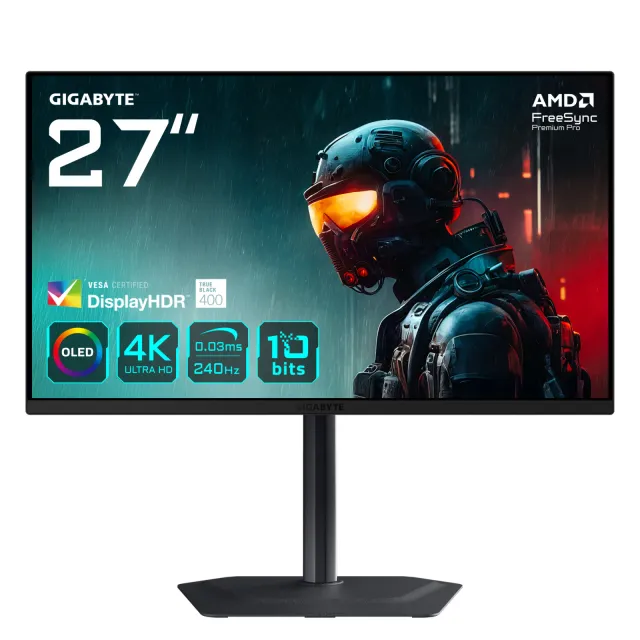
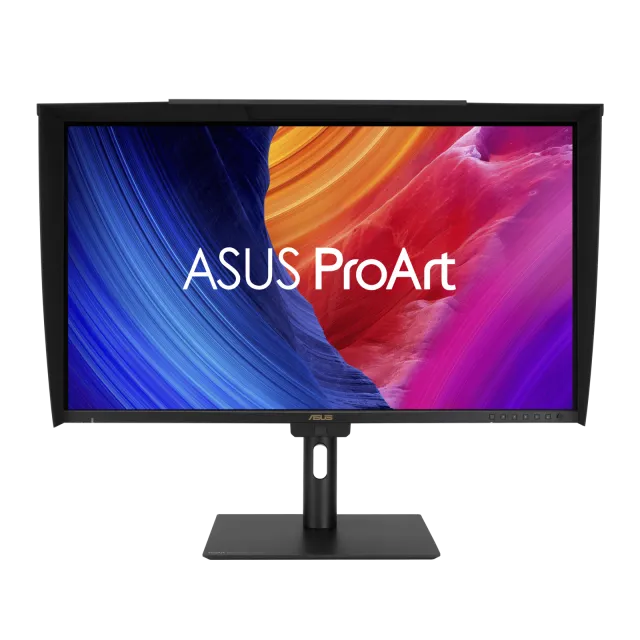
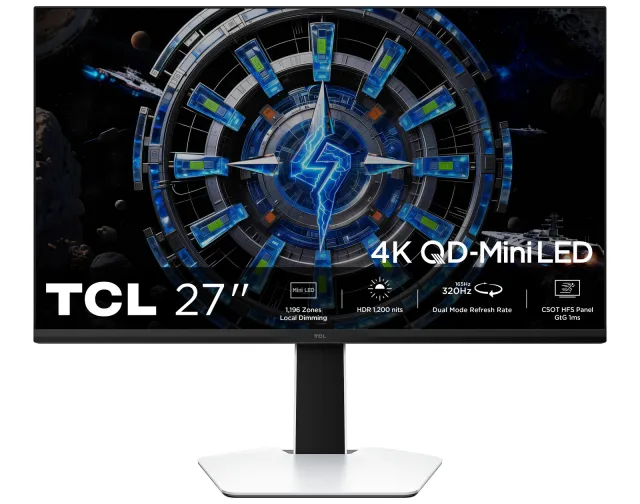
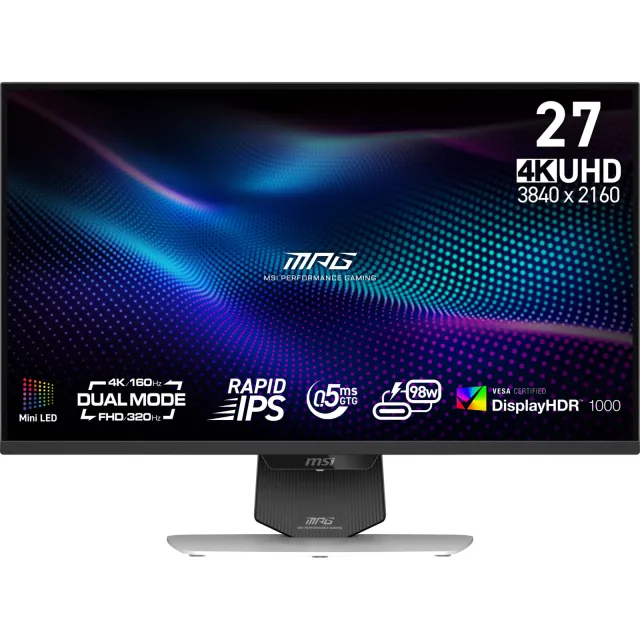

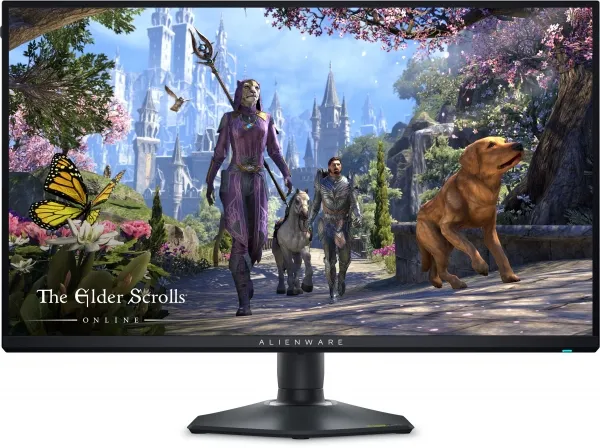
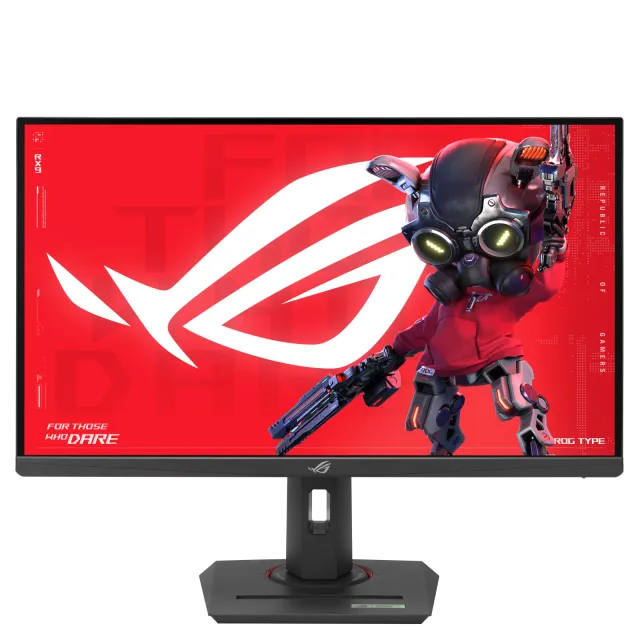
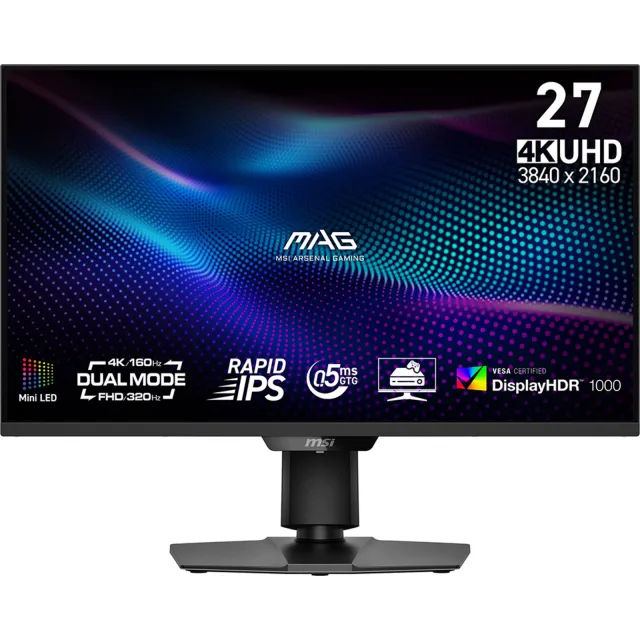

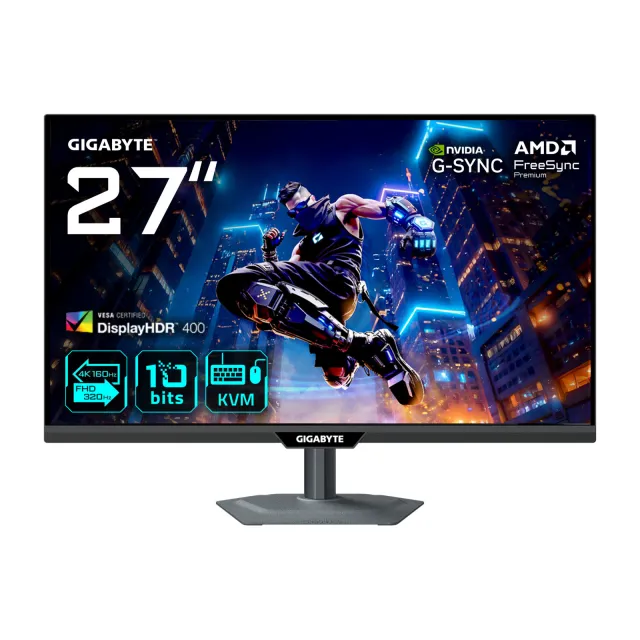

Yenileme Hızı 144 Hz; kategorideki modellerin %45'i daha yüksek, %48'i daha düşük ve %7'si aynı değerde. Çıkış Yılı 2023 ile kategorinin en düşük %39'unda.
Özellikçe en yakın modeller: Asus TUF Gaming VG28UQL1A, Gigabyte M27UP ve Gigabyte M27UA.
Gigabyte M28U-AE Arm Edition 28 inç ekran boyutuna sahiptir.
Gigabyte M28U-AE Arm Edition 144 Hz yenileme hızı sunar.
Üretici bölümlerindeki metin ve görseller Gigabyte markasına aittir; değiştirilmeden, kaynağı gösterilerek yayınlanır. Fiyatlar mağazalardan günlük toplanır; satın almadan önce satıcı sitesinde kontrol edin.